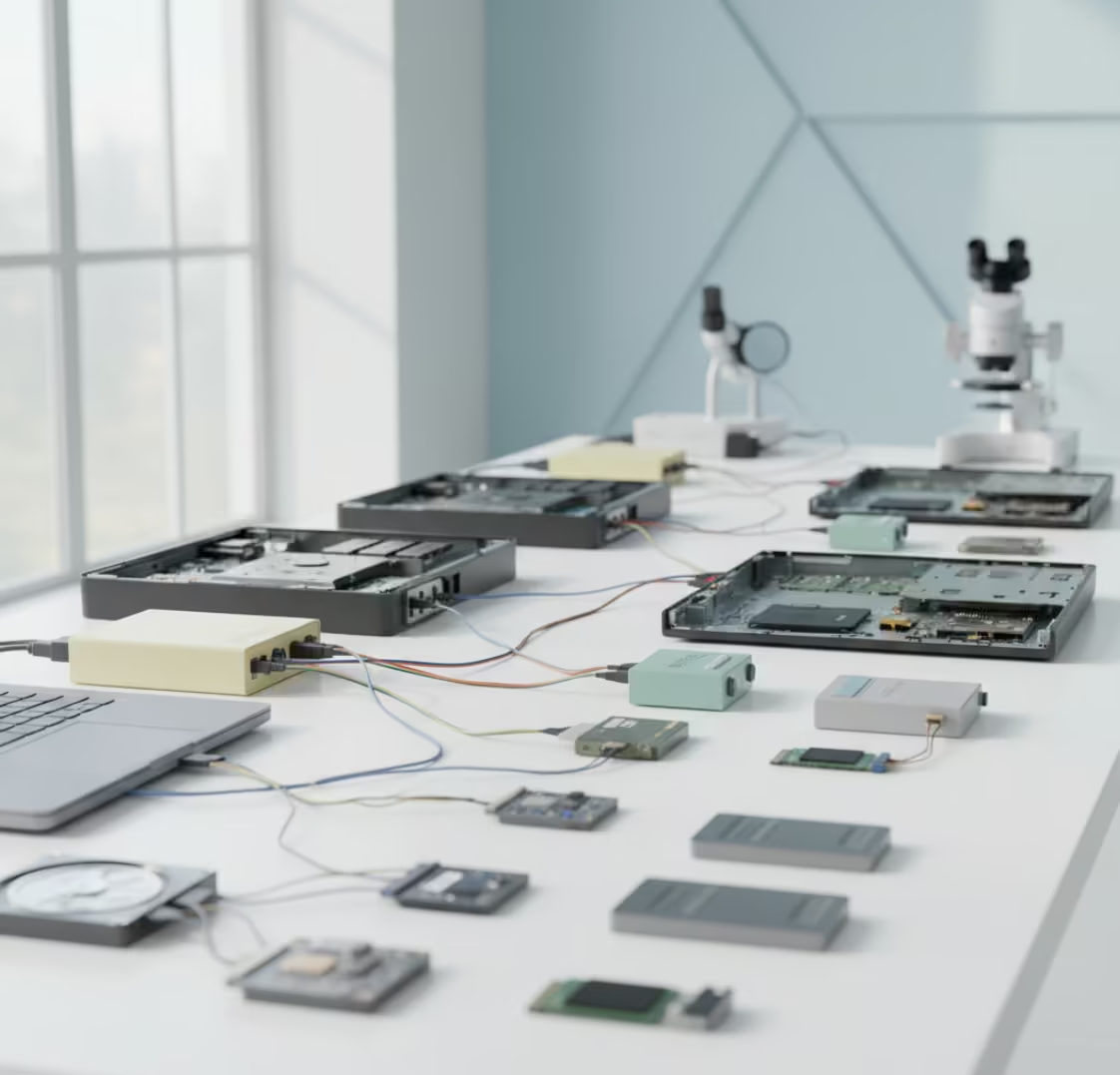

Design company suffered RAID 5 controller failure, losing access to artwork, billing, and production data.
Design & Printing Company
Thrissur, Kerala, India
RAID 5 Server Problem – Recover Files After Controller Failure
A RAID controller failure can bring an entire server environment to a standstill, making critical business files, databases, and shared resources inaccessible within seconds. This case study highlights a successful RAID 5 server data recovery project where valuable business information was recovered after a RAID controller malfunction caused a complete storage outage. Despite the complexity of the failure, professional recovery techniques allowed the organization to regain access to its essential data and resume operations quickly.
Understanding RAID 5 Storage
RAID 5 is one of the most widely used storage configurations in business environments. It combines performance, storage efficiency, and fault tolerance by distributing data and parity information across multiple drives. This design allows the RAID array to continue functioning even if a single drive fails.
However, RAID 5 is not immune to data loss. Problems such as controller failures, multiple disk failures, firmware issues, accidental reconfiguration, and power-related damage can make the entire array inaccessible. When these situations occur, professional RAID 5 server data recovery services are often required to restore valuable information.
The Server Failure Incident
The customer operated a business server using a RAID 5 array to store important company data, customer records, financial documents, project files, and internal reports. The server had been functioning normally until a sudden hardware issue caused the RAID controller to fail.
Following the failure, the server could no longer recognize the RAID array correctly. Although the hard drives themselves were still physically present, the stored data became inaccessible because the controller was responsible for managing the RAID configuration.
The organization immediately lost access to shared data resources, creating operational challenges and raising concerns about permanent information loss. A professional RAID 5 server data recovery assessment was requested to determine whether the data could be recovered.
Symptoms of RAID Controller Failure
Several indicators suggested a controller-related issue rather than complete drive failure:
- RAID array not detected correctly
- Server boot errors
- Missing logical volumes
- Inaccessible shared folders
- RAID configuration information unavailable
- Controller warning messages
- Sudden loss of storage access
These symptoms are common in situations where a RAID controller malfunctions while the drives themselves remain largely intact.
Why RAID Controller Failures Are Serious
A RAID controller acts as the central management system for the entire array. It stores critical information about:
- Drive sequence
- RAID level configuration
- Stripe size
- Parity structure
- Array metadata
Without access to this information, the server may be unable to assemble the RAID array correctly. As a result, even healthy drives can appear unreadable.
Professional RAID 5 server data recovery involves reconstructing these missing parameters and rebuilding the storage environment virtually without modifying the original drives.
Recovery Assessment
Our first step was conducting a comprehensive evaluation of the RAID environment.
The analysis included:
- RAID controller diagnostics
- Individual drive testing
- Metadata examination
- RAID parameter identification
- File system evaluation
- Server storage architecture review
The assessment confirmed that the primary issue originated from the failed RAID controller rather than catastrophic drive damage. This significantly improved the chances of successful recovery.
After identifying the RAID structure, a customized RAID 5 server data recovery strategy was developed.
RAID 5 Server Data Recovery Process
Recovering data from a controller failure requires a precise and systematic approach.
Drive Imaging
Each hard drive within the RAID 5 array was carefully imaged to create secure working copies. This ensures the original drives remain untouched throughout the recovery process.
RAID Analysis
Specialized recovery tools were used to analyze the RAID structure, identify parity distribution, and determine the correct drive order.
Virtual Reconstruction
Instead of relying on the failed controller, the RAID 5 array was rebuilt virtually in a controlled recovery environment. This allowed safe access to the stored data without risking additional damage.
File System Recovery
Once the array was reconstructed successfully, technicians analyzed the file system structure and extracted accessible data.
Verification and Validation
Recovered files were tested and verified for integrity before being delivered to the client.
This carefully controlled workflow enabled successful RAID 5 server data recovery while preserving data accuracy and reliability.
Successful Recovery Results
The recovery process resulted in the restoration of critical business information, including:
- Customer databases
- Financial records
- Accounting documents
- Shared network folders
- Project files
- Email archives
- Business reports
- Company documentation
The organization regained access to the vast majority of its essential operational data. Because the drives had not suffered severe physical damage, the recovery outcome was highly successful.
This case demonstrates how professional RAID 5 server data recovery can often retrieve valuable information even when the server appears completely inaccessible after a controller failure.
Common Causes of RAID Controller Failure
RAID controller failures may occur for several reasons:
- Electrical power surges
- Hardware component faults
- Firmware corruption
- Overheating
- Aging electronics
- Manufacturing defects
- Sudden power interruptions
- Server motherboard compatibility issues
Regular monitoring and preventive maintenance can reduce risks, but unexpected failures can still occur in any server environment.
How Businesses Can Reduce RAID Risks
While RAID improves availability, it should never be considered a complete backup solution.
Organizations should:
- Maintain regular backups.
- Test backups periodically.
- Monitor drive health.
- Use quality power protection.
- Replace aging hardware proactively.
- Document RAID configurations.
- Address warning alerts immediately.
These practices help minimize downtime and reduce potential data loss risks.
Professional RAID 5 Server Data Recovery in Kerala
We specialize in RAID 5 server data recovery for controller failures, degraded arrays, multiple disk failures, NAS devices, and enterprise server environments. Our recovery specialists use advanced diagnostic tools and proven reconstruction techniques to recover business-critical information from failed RAID systems.
If your RAID 5 server becomes inaccessible after a controller failure, avoid rebuilding the array or replacing hardware without proper analysis. Professional intervention can significantly improve recovery success rates. With expert RAID 5 server data recovery, even complex server failures can often be resolved, allowing businesses to recover valuable files and return to normal operations with confidence.
Non-standard RAID levels
The client reported that their server would not boot after a power surge. The RAID controller stopped functioning, and the system could not detect the RAID array. Attempts to restart the server caused further logical corruption.
- RAID 5 array with controller failure
- Server not detecting the RAID configuration
- Mixed disk health conditions

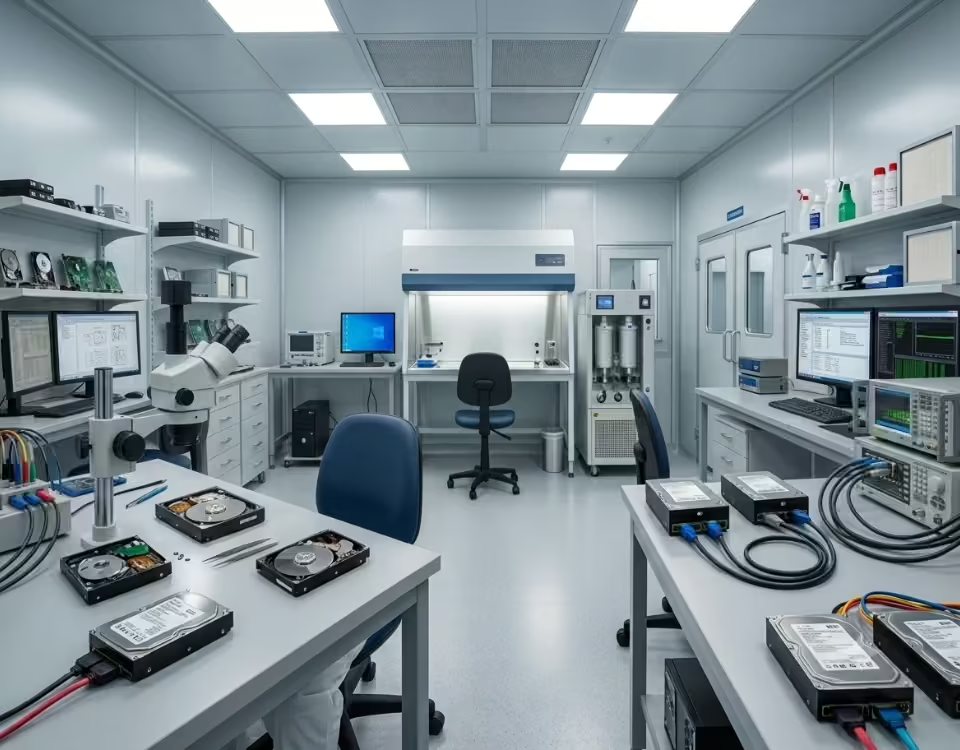

Our recovery team removed all drives from the server and performed a full diagnostic check. Each disk was cloned to secure the data and avoid additional damage. Since the RAID controller had failed, we virtually reconstructed the RAID 5 configuration using specialized software. Disk order, mirror pairs, and stripe patterns were carefully rebuilt to restore the original data structure. After reconstructing the array, the file system was repaired, and all essential data was extracted. Customer artwork, invoices, and production files were fully recovered and delivered on a new storage device.
The company resumed normal operations within a short time, avoiding major business losses.