
Freelance editor lost critical video data after NVMe SSD suddenly failed
Software Development Company
Kozhikode, Kerala, India
Dead SSD Data Recovery – Data Retrieved from Non-Detecting NVMe
A non-detecting NVMe SSD can be one of the most alarming storage failures for both businesses and individual users. When an NVMe drive suddenly disappears from the BIOS or operating system, valuable documents, databases, project files, photos, videos, and business records may become completely inaccessible. Fortunately, professional dead SSD data recovery services can often retrieve important data from failed NVMe drives, even when the device appears completely dead.
At PCPrompt, we regularly handle complex dead SSD data recovery cases involving non-detecting NVMe SSDs, controller failures, firmware corruption, power-related damage, and flash memory issues. This case highlights the successful recovery of critical data from an NVMe SSD that was no longer recognized by the computer.
Understanding NVMe SSD Failure
NVMe SSDs are known for their high performance, low latency, and fast data transfer speeds. They have become the preferred storage solution in modern laptops, desktops, workstations, and servers. However, despite their reliability, NVMe SSDs can fail unexpectedly.
Unlike traditional hard drives that often show warning signs such as clicking noises or slow performance, NVMe SSDs may stop functioning suddenly. A failed controller, firmware corruption, power surge, NAND flash degradation, or electronic component failure can instantly make the SSD inaccessible.
When professional dead SSD data recovery becomes necessary, identifying the exact cause of the failure is crucial to maximizing recovery success.
Initial Problem
The customer contacted us after their computer failed to boot. The NVMe SSD containing several years of important business documents, financial records, client files, and project data was no longer detected.
The drive did not appear in Windows Disk Management, BIOS settings, or recovery utilities. Since the device contained critical information without a current backup, immediate specialist intervention was required.
The customer had wisely avoided formatting the drive or attempting repeated repair attempts, which significantly improved the chances of successful dead SSD data recovery.
Common Causes of Non-Detecting NVMe SSDs
A non-detecting NVMe SSD may fail for several reasons, including:
- SSD controller failure
- Firmware corruption
- Damaged power management circuits
- NAND flash memory issues
- Electrical damage caused by power surges
- Laptop motherboard faults affecting SSD communication
- Excessive heat exposure
- Wear-related degradation of storage cells
Each failure scenario requires a different recovery strategy. This is why proper diagnosis is the foundation of successful dead SSD data recovery.
Diagnostic Assessment
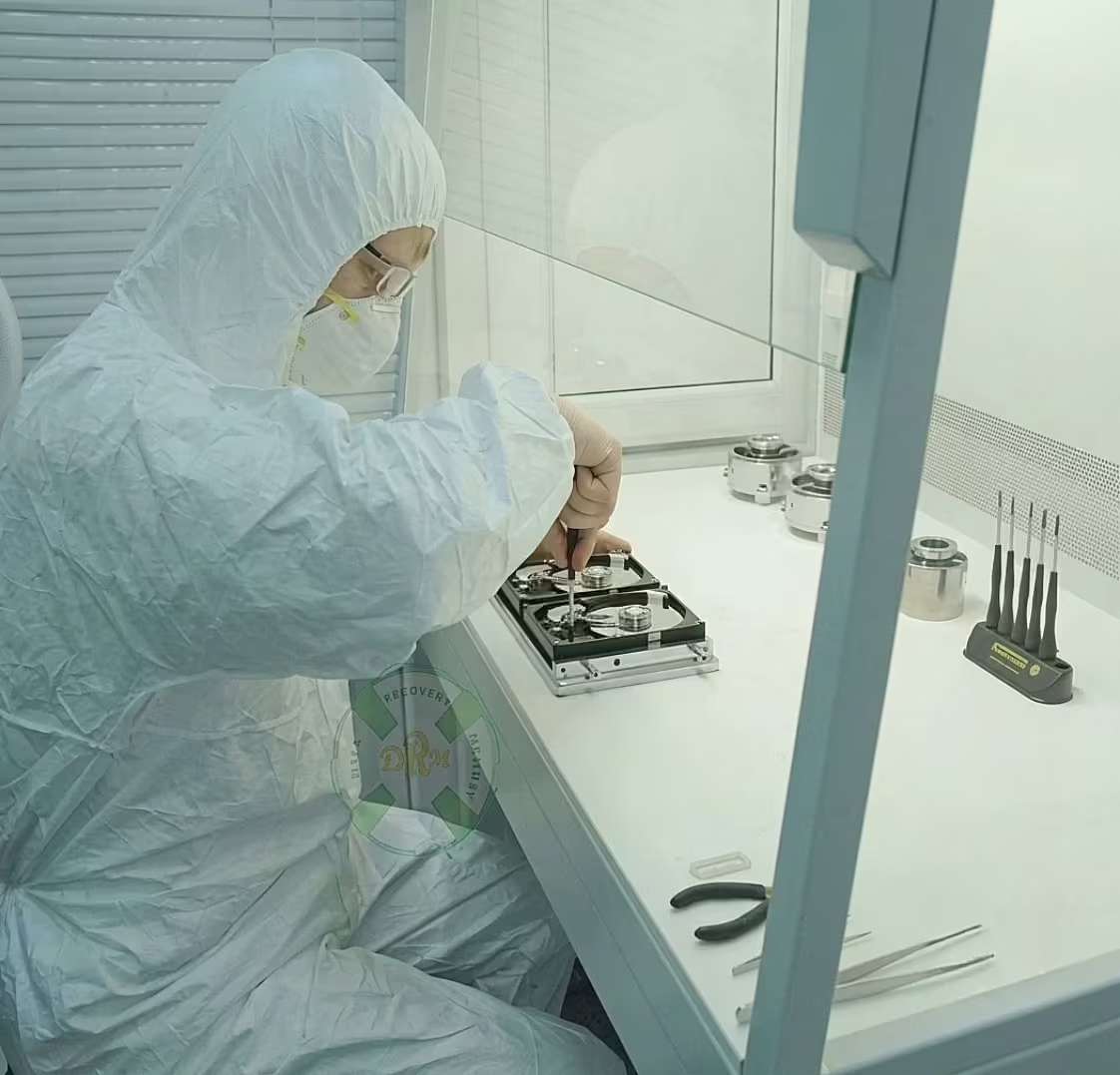
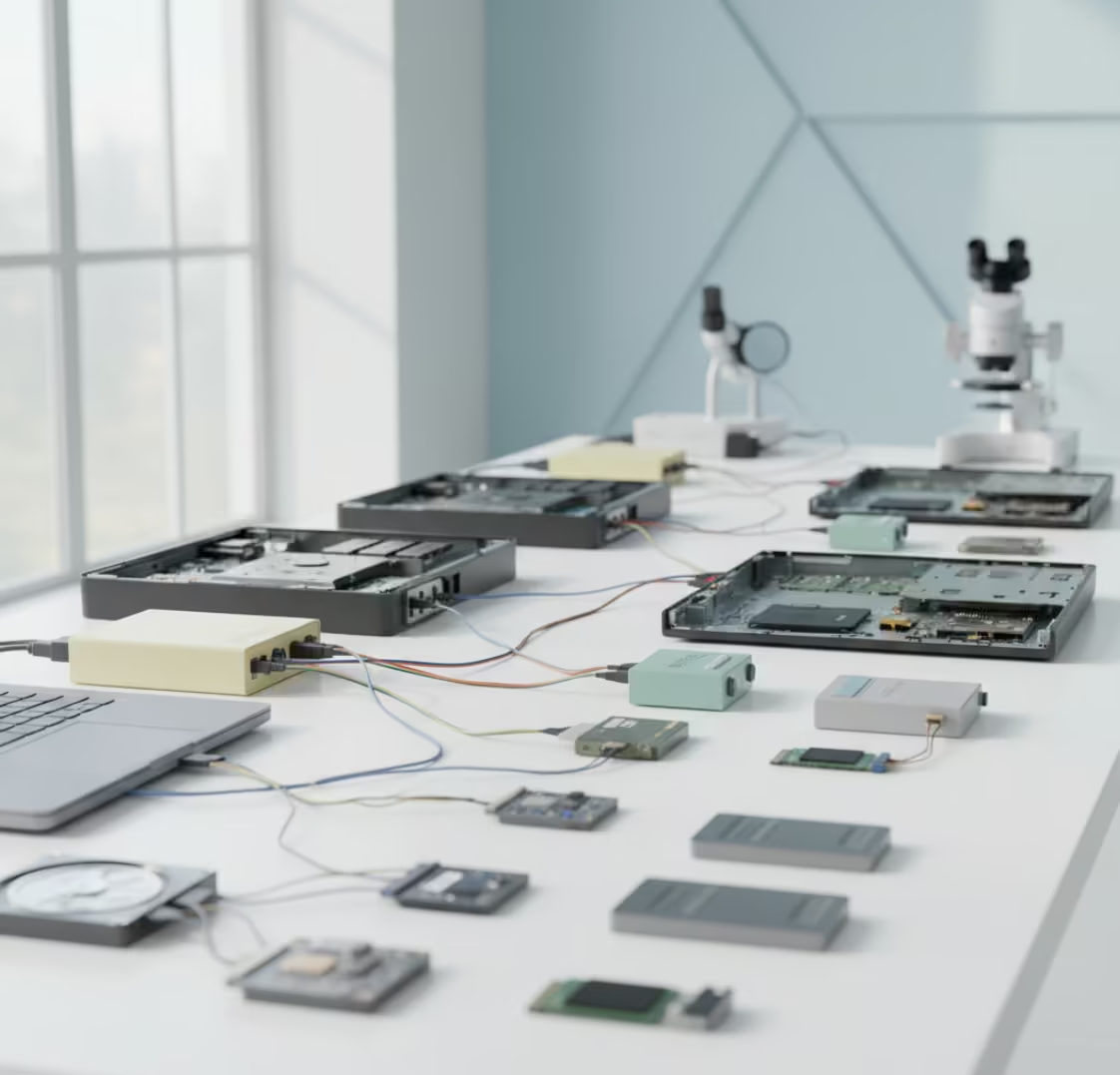
Our technicians conducted a comprehensive evaluation of the failed NVMe SSD using specialized diagnostic equipment.
The assessment revealed that the drive was experiencing controller-level communication issues. While the SSD appeared completely dead to the computer, the underlying NAND memory chips still contained intact user data.
This distinction is extremely important. In many cases involving dead SSD data recovery, the data itself remains present even though the storage device can no longer communicate normally with the system.
After confirming the failure type, a customized recovery plan was developed to extract the data safely.
Dead SSD Data Recovery Process
Recovering data from a non-detecting NVMe SSD is a highly technical procedure requiring specialized hardware and expertise.
Detailed Hardware Analysis
The SSD was carefully examined to identify electrical and controller-related issues preventing normal detection.
Firmware Evaluation
Technicians analyzed the SSD firmware to determine whether corruption was interfering with drive initialization and data access.
Controlled Access Procedures
Advanced recovery tools were used to establish safe communication with the NAND storage components while minimizing risks to the stored information.
Logical Data Reconstruction
Once access to the flash memory was achieved, file system structures and metadata were reconstructed to locate recoverable data.
Data Verification
Recovered documents, images, databases, spreadsheets, and archived files were thoroughly verified to ensure integrity and usability.
This systematic approach allowed us to maximize recovery success while protecting the original data throughout the dead SSD data recovery process.
Recovery Results
The recovery was completed successfully, and the majority of the customer’s critical files were restored. Recovered data included:
- Business documents
- Financial records
- Project folders
- PDF archives
- Photographs
- Spreadsheets
- Client-related files
- Backup data
All recoverable files were transferred to a secure replacement storage device and verified before delivery.
The customer regained access to valuable information that initially appeared permanently lost due to the non-detecting NVMe SSD.
Why DIY Recovery Can Be Risky
When an NVMe SSD becomes undetectable, many users attempt troubleshooting procedures found online. Unfortunately, these methods can sometimes reduce recovery chances.
Common mistakes include:
- Repeatedly powering the SSD on and off
- Updating firmware without diagnosis
- Reinstalling the operating system
- Formatting the drive
- Running repair utilities
- Performing unsafe cloning attempts
These actions may further complicate professional dead SSD data recovery efforts and should be avoided whenever important data is involved.
How to Protect Data from SSD Failure
Although SSD failures cannot always be prevented, several precautions can reduce the risk of data loss:
- Maintain regular backups.
- Use surge protection and reliable power sources.
- Monitor SSD health periodically.
- Avoid excessive heat exposure.
- Update critical backups frequently.
- Replace aging SSDs before failure occurs.
Having a well-planned backup strategy remains the most effective defense against unexpected storage failures.
Professional Dead SSD Data Recovery in Kerala
At PCPrompt, we specialize in advanced dead SSD data recovery for non-detecting NVMe SSDs, failed M.2 drives, PCIe SSDs, firmware-related failures, controller issues, and electronic faults. Our recovery specialists use professional tools and proven techniques to recover critical data from SSDs that appear completely inaccessible.
If your NVMe drive is no longer detected by the system, avoid DIY repairs and seek professional assistance immediately. Prompt action can significantly improve recovery outcomes. With expert dead SSD data recovery services, valuable business and personal data can often be successfully retrieved even from SSDs that seem completely dead.
Embedded system
The client required urgent recovery of all project files from a completely dead SSD.
However, the recovery process involved multiple complex challenges.
- SSD not detected in BIOS or external adapters
- Suspected firmware or controller failure
- Critical data including video files and project timelines
- No backup available for ongoing work
- Urgent deadline pressure from multiple clients
Additionally, NVMe SSDs use advanced architecture, making recovery more difficult compared to traditional drives. Accessing raw data without damaging NAND memory required highly specialized tools and expertise.

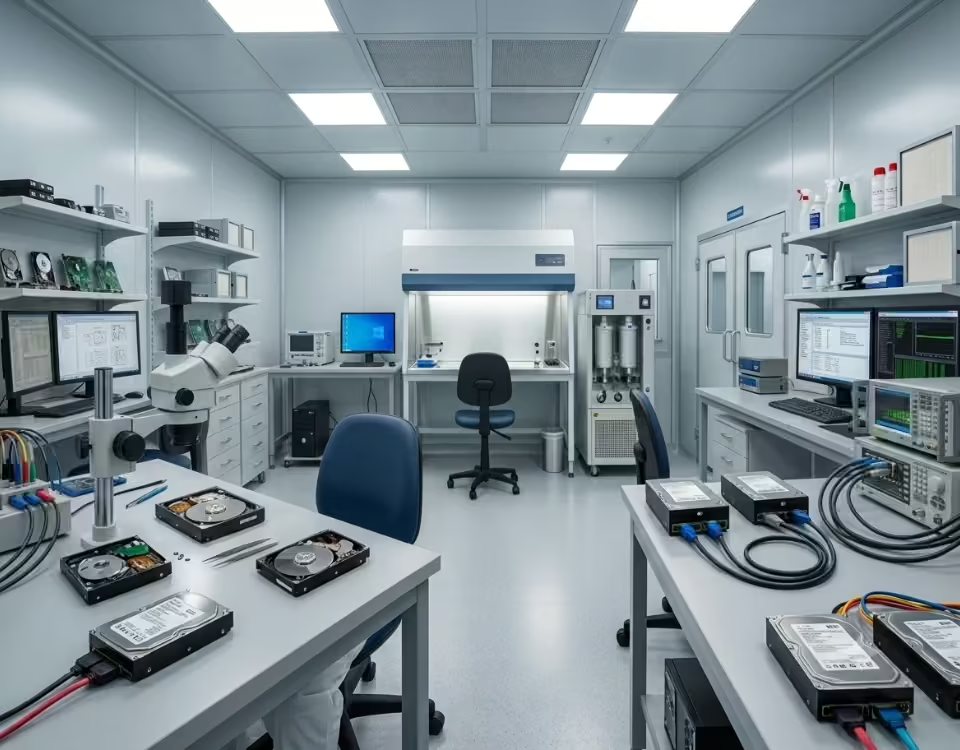

Our engineers began with a detailed diagnostic process using professional SSD recovery equipment. The issue was identified as a firmware-level failure affecting the SSD controller.
Using advanced techniques, we accessed the NAND memory directly and extracted raw data. The data was then reconstructed using specialized algorithms to rebuild the original file system.
Special care was taken to recover large video files without corruption. All recovered data, including editing projects and media files, was carefully organized and verified.