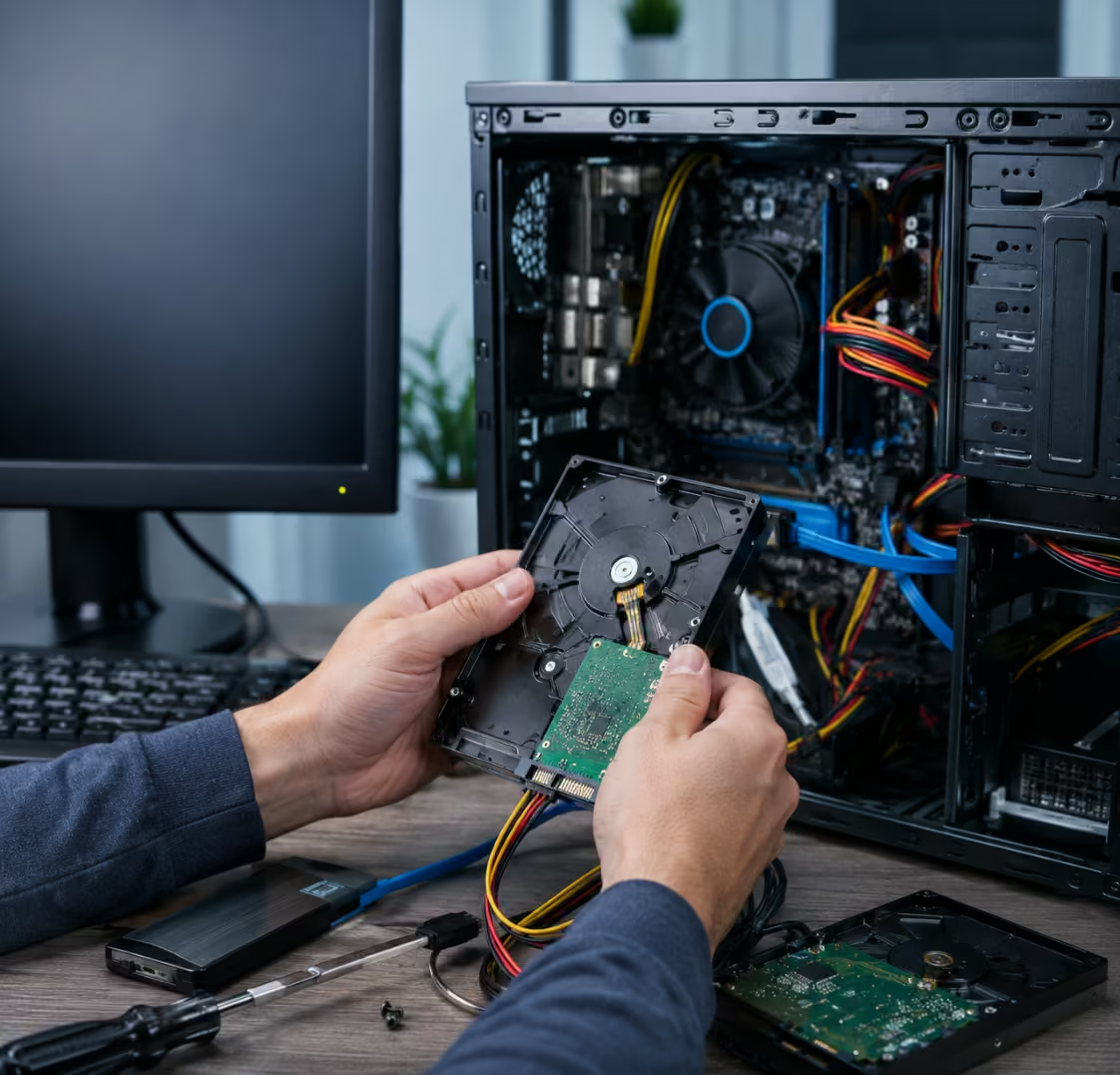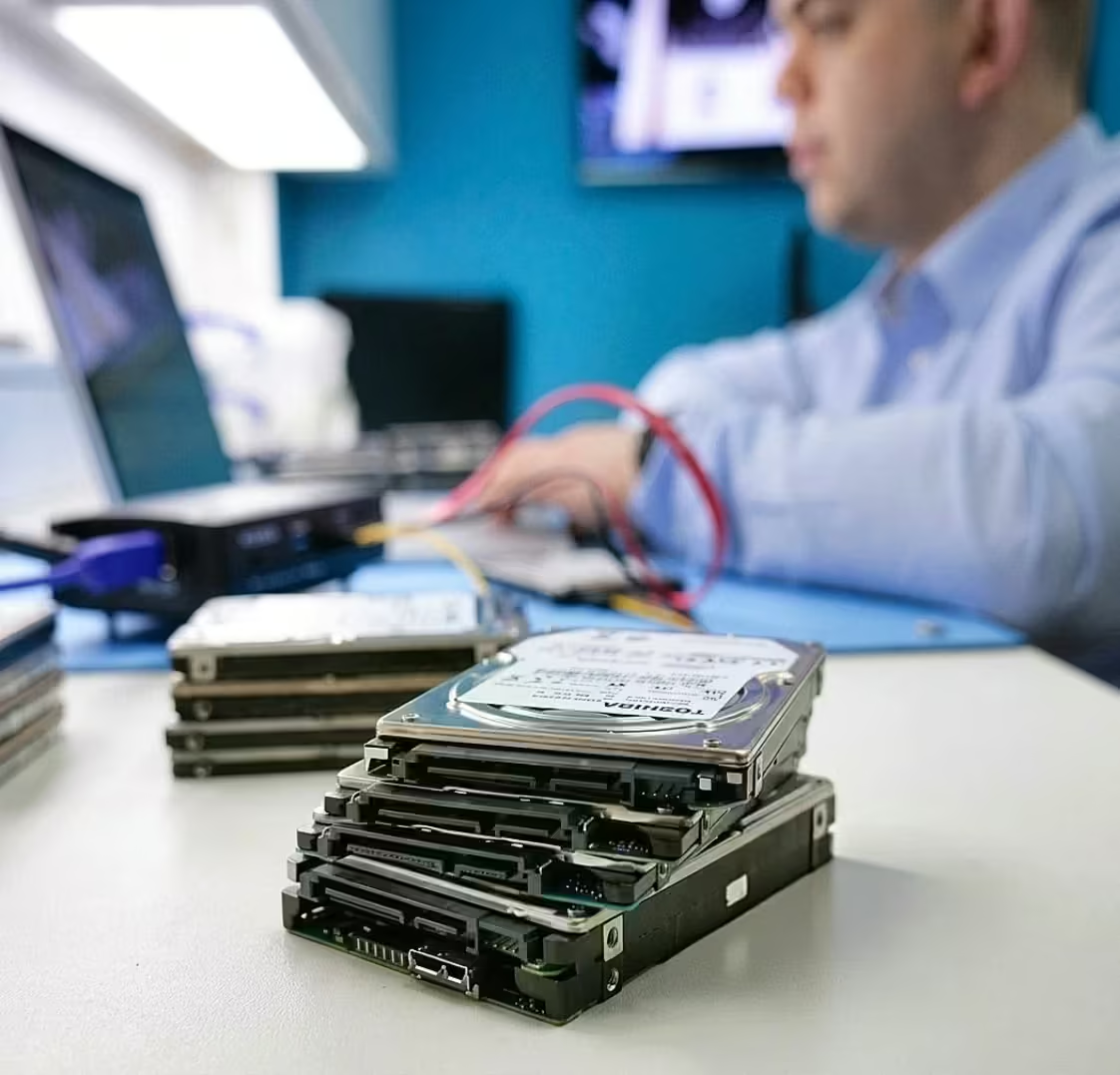

Following a failed update, a corrupted laptop drive caused a college office to lose critical student records, fee data, and important administrative files.
College Administration Office
Alappuzha, Kerala, India
Corrupted Laptop Drive – Files Restored from Damaged Laptop
Laptop storage failures often happen without warning, leaving users locked out of important documents, photos, videos, business files, and personal data. When a laptop drive becomes corrupted or damaged, many people assume their data is permanently lost. Fortunately, professional laptop drive data recovery services can often retrieve valuable files even when the drive appears inaccessible or severely damaged. This recovery case demonstrates how critical data was successfully restored from a corrupted laptop drive.
The Unexpected Laptop Drive Failure
The customer approached PCPrompt after their laptop suddenly became unusable. The system repeatedly displayed boot errors and frequently crashed during startup. Eventually, the laptop failed to load the operating system entirely.
The device contained years of important information, including:
- Business documents
- Client records
- Family photographs
- Videos
- Academic files
- Financial spreadsheets
- Personal backups
Since many of these files existed only on the laptop, recovering the data became an urgent priority.
This situation required professional laptop drive data recovery to determine whether the stored information could still be accessed and restored.
Common Causes of Laptop Drive Corruption
Laptop drives can become corrupted for various reasons. Unlike desktop computers, laptops are frequently moved, transported, and exposed to environmental risks that can increase the likelihood of storage failure.
Some common causes include:
Sudden Power Loss
Unexpected shutdowns during file operations can damage file system structures and corrupt important data.
Physical Impact
Drops, bumps, or accidental knocks can damage storage devices and affect data accessibility.
Bad Sectors
Storage media can develop bad sectors over time, making portions of the drive unreadable.
Malware and Virus Attacks
Malicious software may corrupt files, partitions, or system structures.
Operating System Errors
Failed updates and software conflicts can contribute to drive corruption.
Aging Hardware
Older storage devices naturally experience wear and deterioration that can lead to failure.
Many of these situations eventually require professional laptop drive data recovery to retrieve inaccessible information.
Initial Drive Assessment
The first step was conducting a thorough diagnostic evaluation of the damaged laptop drive.
Our technicians carefully examined the storage device to identify the root cause of the problem without risking further damage to the customer’s files.
The assessment revealed:
- File system corruption
- Multiple unreadable sectors
- Partition inconsistencies
- Significant data access issues
Although the drive was damaged, the underlying user data remained largely intact. This significantly increased the likelihood of successful recovery.
After the diagnosis, a customized laptop drive data recovery strategy was developed to maximize the amount of retrievable data.
Recovery Process
Recovering files from a corrupted laptop drive requires a systematic and controlled approach.
Drive Imaging
The first priority was creating a complete sector-by-sector image of the damaged drive. Working from an image protects the original device and prevents additional degradation during recovery.
Bad Sector Management
Advanced recovery tools were used to handle unreadable areas and capture as much data as possible.
File System Reconstruction
Specialized software analyzed the damaged structures and rebuilt file system information required to access lost files.
Partition Recovery
Corrupted partition information was reconstructed to restore access to previously inaccessible data.
Data Extraction
Recovered documents, photos, videos, emails, and project files were extracted to a secure recovery environment.
Verification
All recovered data underwent verification to ensure file integrity and usability.
This structured laptop drive data recovery process helped maximize recovery success while minimizing risks to the original data.
Successful Recovery Outcome
The recovery effort was highly successful, allowing the customer to regain access to the majority of their critical data.
Recovered files included:
- Office documents
- Family photographs
- Business spreadsheets
- PDF records
- Project files
- Personal videos
- Email archives
- Educational materials
The recovered information was transferred to a new storage device for safe delivery to the customer.
What initially appeared to be a catastrophic laptop failure ultimately resulted in a successful laptop drive data recovery outcome thanks to timely professional intervention.
Why DIY Recovery Attempts Can Be Risky
When a laptop drive becomes corrupted, many users attempt self-repair methods found online. Unfortunately, these approaches can sometimes worsen the situation.
Common mistakes include:
- Running repair utilities repeatedly
- Formatting the drive
- Reinstalling Windows
- Initializing missing partitions
- Using multiple recovery programs
- Continuing to operate a failing drive
These actions may overwrite valuable data and significantly reduce recovery success rates.
Professional laptop drive data recovery focuses on preserving the original data before any repair or reconstruction efforts begin.
Warning Signs of Laptop Drive Failure
Recognizing early symptoms can help prevent permanent data loss.
Common warning signs include:
- Slow system performance
- Frequent freezing
- Missing files
- Startup errors
- Blue screen crashes
- Unusual noises from HDD-based laptops
- Corrupt folders
- Read/write errors
If these symptoms appear, backing up important information immediately is strongly recommended.
Preventing Future Data Loss
Although storage failures cannot always be prevented, users can reduce risks by following a few best practices:
- Create regular backups.
- Store copies of important files in multiple locations.
- Use surge protection.
- Handle laptops carefully during transport.
- Monitor storage health periodically.
- Replace aging drives before failure occurs.
A reliable backup strategy remains the best protection against unexpected data loss.
Professional Laptop Drive Data Recovery in Kerala
At PCPrompt, we specialize in laptop drive data recovery for corrupted, damaged, formatted, inaccessible, and failed laptop storage devices. Whether the issue involves a traditional hard drive, SATA SSD, NVMe SSD, or external laptop storage, our recovery specialists use advanced tools and proven techniques to recover valuable data safely.
If your laptop can no longer access important files, avoid formatting the drive or attempting repeated repair procedures. Professional evaluation can significantly improve recovery outcomes. With expert laptop drive data recovery, critical business and personal data can often be recovered successfully, even from severely corrupted or damaged laptop drives.
List of laptop brands and manufacturers
The client reported that the laptop failed to boot after an operating system update was interrupted. Although the system detected the hard drive, corruption had damaged the partition structure and file system, causing the partitions to disappear. As a result, students and staff could not access critical data, including academic records and administrative documents.
- Logical corruption after system update
- Missing partitions and damaged file system
- Laptop hard drive with limited access

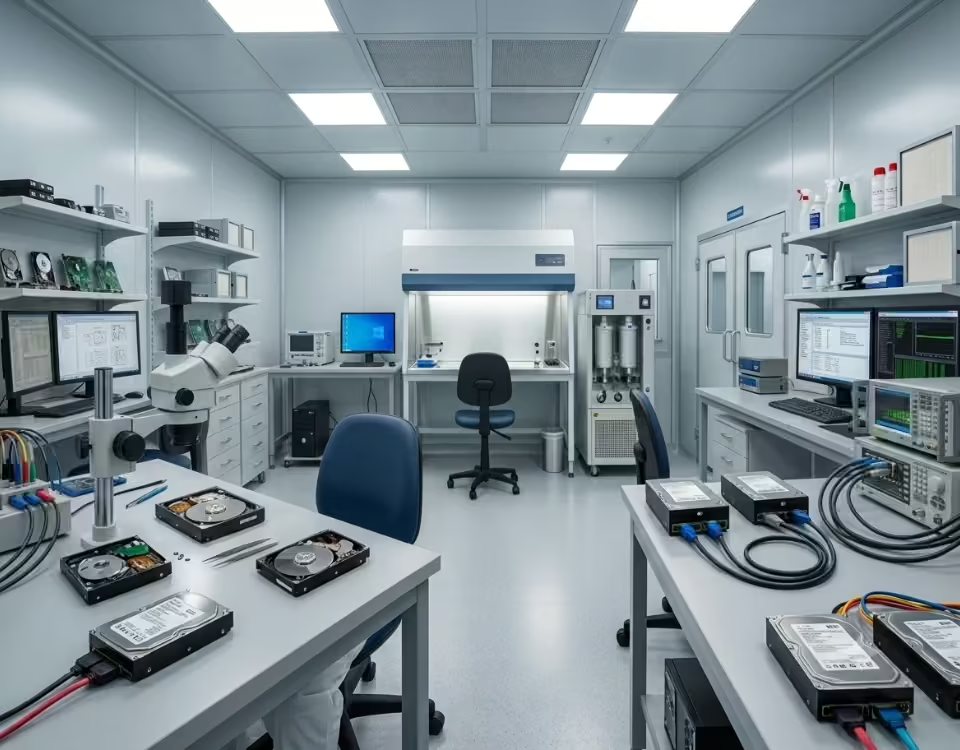

Our engineers conducted a detailed logical analysis of the hard drive and identified severe file system corruption caused by an interrupted update process. Using professional data recovery tools, they rebuilt the lost partitions, repaired the damaged file system, and performed a comprehensive scan to locate critical data. The team successfully recovered student records, fee databases, and essential office documents. After verifying the recovered files for integrity and completeness, they securely transferred all data to a new storage device, ensuring safe and reliable access for continued use.
The administration office regained access to their essential data and resumed normal operations without further issues.