SSD Data Recovery
SSD Data Recovery
Solid-state drives have become the preferred storage solution for modern laptops, desktops, workstations, and servers because of their speed, reliability, and performance. However, despite their advanced technology, SSDs can still fail unexpectedly and cause serious data loss. When important files become inaccessible, professional SSD data recovery near me can help retrieve valuable information from damaged, corrupted, or non-detecting solid-state drives.
we provide advanced SSD data recovery services for individuals, businesses, IT professionals, and organizations across Kerala. Whether your SSD contains critical business data, family photographs, project files, databases, or personal documents, our recovery specialists use professional tools and proven techniques to maximize data recovery success.
Why SSDs Fail
Unlike traditional hard drives, SSDs do not contain moving parts. Instead, they store information using NAND flash memory chips and sophisticated controllers. While this design improves performance and durability, SSDs can still experience sudden failures.
Common reasons for SSD failure include:
- Controller malfunction
- Firmware corruption
- NAND flash degradation
- Power surge damage
- Electrical component failure
- Excessive heat exposure
- Manufacturing defects
- Wear-related memory cell failure
- Unexpected system shutdowns
- Physical damage to the PCB
Many SSD failures occur without warning, making professional SSD data recovery essential when critical files become inaccessible.
Common Signs of SSD Failure
An SSD often exhibits symptoms before complete failure. Recognizing these warning signs early can improve recovery chances.
You may require SSD data recovery if you notice:
- SSD not detected by Windows
- SSD missing from BIOS
- Computer unable to boot
- Frequent system crashes
- Read-only drive behavior
- Missing files or folders
- Blue screen errors
- Extremely slow performance
- Unexpected system freezing
- Incorrect SSD capacity reporting
If any of these issues occur, stop using the drive immediately to prevent additional complications.
Challenges of SSD Data Recovery
Recovering data from SSDs is often more complex than recovering data from traditional hard drives. Modern SSD technology uses advanced mechanisms that influence how data is stored and managed.
These include:
TRIM Technology
TRIM helps SSDs maintain performance by automatically removing deleted data blocks. While beneficial for normal operation, it can complicate SSD data recovery after accidental deletion.
Wear Leveling
SSDs constantly distribute data across memory cells to extend lifespan. This process creates additional complexity during recovery.
Garbage Collection
Many SSDs automatically reorganize stored data to optimize performance, making recovery more challenging in certain situations.
Proprietary Firmware
Each SSD manufacturer may use unique firmware structures that require specialized recovery expertise.
Professional SSD data recovery requires an in-depth understanding of these technologies and access to advanced recovery equipment.
Types of SSD Data Recovery Cases
We regularly handle various storage failure scenarios.
Non-Detecting SSD
The drive is no longer recognized by the operating system or BIOS.
Corrupted SSD
The file system becomes damaged, making stored files inaccessible.
Failed NVMe SSD
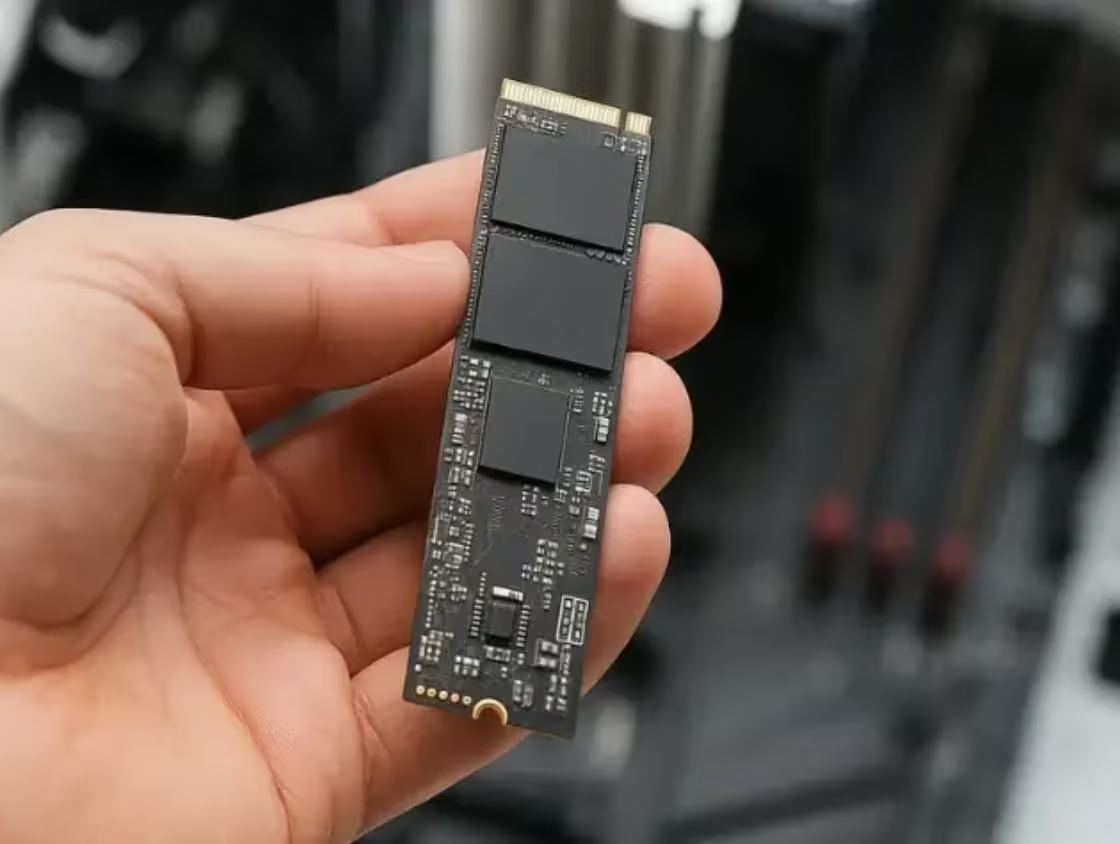
High-speed NVMe drives may become inaccessible due to controller or firmware issues.
Formatted SSD
Accidental formatting can remove file system structures while leaving recoverable data behind.
Dead SSD
The SSD shows no signs of normal operation and requires advanced diagnostic procedures.
Business SSD Recovery
Critical company files become inaccessible due to SSD failure within servers, workstations, or laptops.
Each situation requires a customized SSD data recovery strategy to ensure the best possible results.
Professional SSD Data Recovery Process
Successful recovery begins with a systematic approach.
Initial Evaluation
Our technicians assess the SSD to identify the exact cause of failure.
Diagnostic Testing
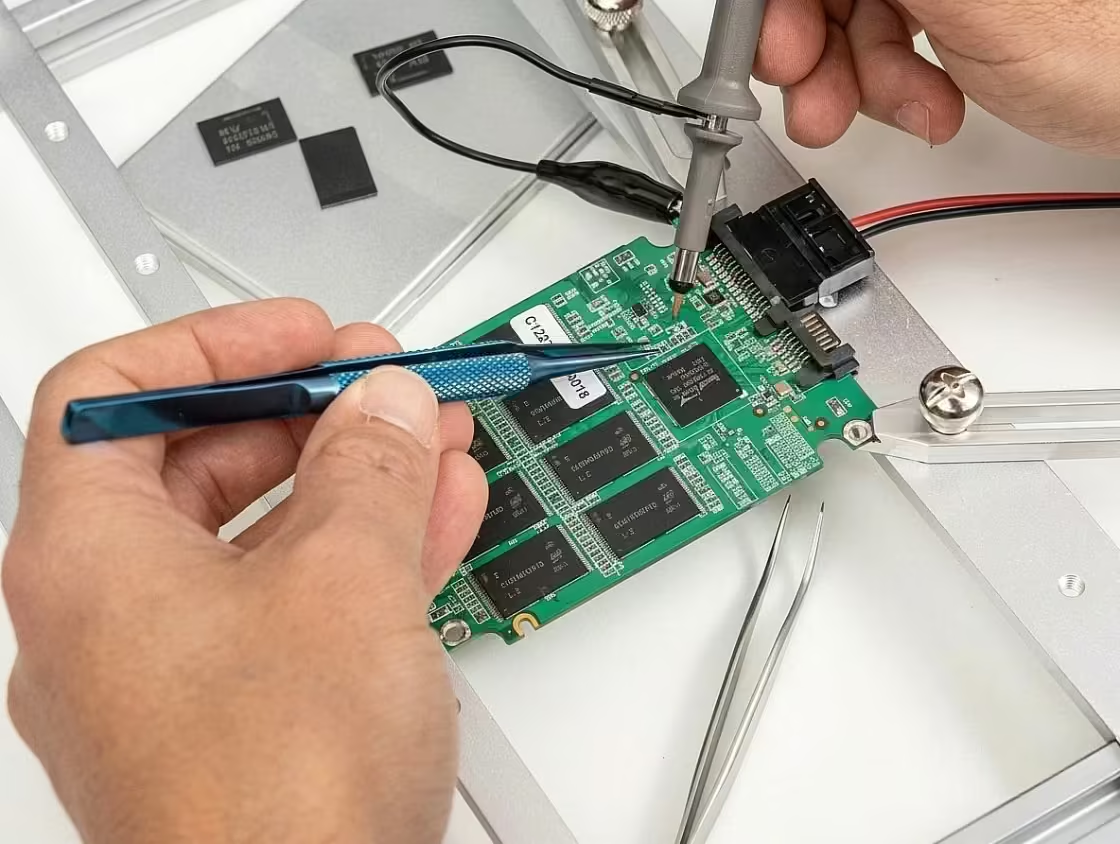
Hardware, firmware, and flash memory components are analyzed using specialized tools.
Recovery Planning
A tailored recovery method is selected based on the condition of the drive.
Data Extraction
Professional recovery equipment is used to retrieve accessible data from the SSD.
File Reconstruction
Lost partitions, file systems, and metadata are rebuilt when necessary.
Data Verification
Recovered files are tested to ensure they remain complete and usable.
This structured SSD data recovery process helps maximize recovery success while protecting the original data.
Types of Data Commonly Recovered
Professional SSD data recovery services can often restore:
- Business documents
- Financial records
- Excel spreadsheets
- PDF files
- Databases
- Email archives
- Family photographs
- Videos
- Project files
- Design files
- Software development projects
- Customer information
The amount of recoverable data depends on the failure type and whether additional activity occurred after the data loss event.
Why DIY Recovery Is Risky
Many users attempt recovery using online software or repair guides. Unfortunately, SSD technology is highly specialized, and improper actions can reduce recovery chances.
Common mistakes include:
- Formatting the SSD
- Reinstalling Windows
- Updating firmware without diagnosis
- Running repair utilities repeatedly
- Continuing to use a failing SSD
- Attempting hardware repairs
These actions may permanently affect recoverable data and make professional SSD data recovery more difficult.
Preventing SSD Data Loss
While no storage device lasts forever, several practices can reduce risks:
- Maintain regular backups.
- Use surge protection.
- Monitor SSD health.
- Keep firmware updated when appropriate.
- Avoid overheating.
- Replace aging SSDs proactively.
- Store critical data in multiple locations.
A reliable backup strategy remains the best defense against unexpected SSD failure.
Professional SSD Data Recovery in Kochi
We specialize in advanced SSD data recovery for SATA SSDs, NVMe drives, M.2 SSDs, PCIe storage devices, workstation drives, laptop SSDs, and enterprise storage systems. Our recovery specialists combine technical expertise, advanced diagnostic equipment, and proven recovery procedures to recover valuable data from failed SSDs.
If your SSD has stopped working, become corrupted, or is no longer detected, avoid DIY repairs and seek professional assistance immediately. Early intervention can significantly improve recovery outcomes. With expert SSD data recovery services, important personal and business files can often be restored successfully, even from severely damaged or non-detecting solid-state drives.
- Solid-state drive data recovery involves retrieving inaccessible, deleted, or lost files from solid-state drives affected by logical errors, firmware problems, controller failures, or physical damage. Unlike traditional hard disk drives, SSDs use flash memory and advanced technologies such as TRIM, which can affect the chances of recovering deleted data. If an SSD becomes undetected or stops working, avoid repeated power cycles, formatting, or attempting repairs without proper diagnosis. Professional data recovery specialists can assess the device and determine suitable recovery methods. Regular backups remain essential for protecting important documents, photos, business files, and other valuable information.
Professional SSD Data Recovery Services
PCPrompt provides advanced SSD Data Recovery Kochi to retrieve lost data from failed, corrupted, or physically damaged solid-state drives. Our experts handle controller failures, firmware corruption, NAND chip issues, power surges, accidental deletion, and formatted SSDs using specialized recovery tools and techniques.
We carefully diagnose SSD failures and recover critical files from laptops, desktops, servers, and external SSD devices. Our secure SSD data recovery process ensures maximum data protection, fast turnaround time, and complete confidentiality for individuals and businesses.
Job Completed
Recovery Growth
Recovery Success
Emergency SSD Failure Recovery Services
For urgent cases where time is critical, we offer Emergency SSD Data Recovery — available 24×7. Depending on the issue, we can often deliver results within 24–72 hours.
Controller Failure
Controller failure makes SSDs disappear, freeze, or show wrong size; expert tools recover lost data.
Bad NAND Block
NAND wear or bad blocks slow SSDs, cause crashes, and lead to read-only mode; skilled recovery helps.
Firmware Problem
Firmware or mapping table corruption makes SSD data vanish and prevents access, expert recovery data.
Lost important files or documents?
Speak with our recovery experts.