External Hard Disk Recovery
Overview

A freelance photographer accidentally formatted their external hard drive while transferring files.

client

Freelance Photographer

location

Kollam, Kerala, India

category

External Hard Disk Recovery – Photos from Formatted Drive

  • External hard disk recovery is the process of retrieving lost, deleted, formatted, or inaccessible files from an external storage device. External hard drives are commonly used to store photos, videos, documents, backups, and important business files. However, accidental deletion, formatting errors, file system corruption, or unexpected disconnection can make valuable data inaccessible. Choosing the right external hard disk recovery method depends on the cause of data loss and the condition of the drive. If important files disappear, avoid copying new data onto the affected disk because new information may overwrite recoverable files and reduce the chances of successful data recovery.
  • Several problems can create the need for external hard disk recovery, including accidental formatting, corrupted partitions, damaged file systems, malware, bad sectors, and power failures. A drive may also become RAW, appear as unallocated space, or display messages asking you to format it before use. Physical problems can occur because of drops, water damage, overheating, or damaged internal components. Identifying whether the problem is logical or physical is important before attempting recovery. When an external hard drive makes unusual clicking or grinding sounds, repeatedly disconnects, or is not detected reliably, continued use can cause additional damage and reduce recovery possibilities.
  • External hard disk recovery software can be useful when data loss is caused by deleted files, accidental formatting, missing partitions, or certain file system errors. Recovery applications typically scan the storage device for file-system records or recognizable file signatures and provide a list of recoverable data. Before using recovery software, make sure the external drive is physically stable and correctly detected by the computer. Never install the recovery program on the affected disk or save recovered files back to the same drive. Instead, restore recovered data to another healthy storage device to avoid overwriting files that may still be recoverable.
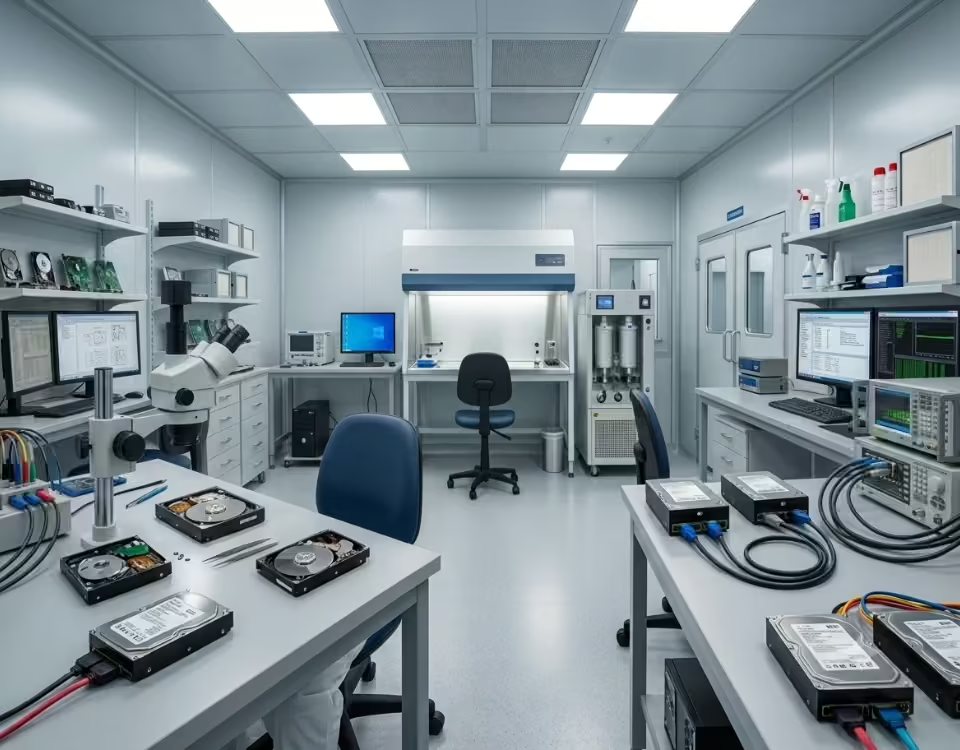
  • Professionalexternal hard disk recovery services are often a better option when a storage device has suffered physical or serious electronic damage. Specialists can diagnose problems involving read/write heads, motors, circuit boards, firmware, or damaged disk surfaces. Mechanical hard drives should not be opened at home because internal components are sensitive to dust and contamination. Professional laboratories may use controlled environments and specialized equipment to access damaged devices safely. Although no recovery service can guarantee every file will be restored, stopping use of a physically failing drive can significantly prevent additional damage and give specialists the best available opportunity to retrieve important data.
  • The chances of successful external hard disk recovery depend on several factors, including the type of failure, the condition of the storage device, and whether lost information has been overwritten. Recently deleted files can sometimes be recovered when their original disk space remains unchanged. Recovery may become more difficult after repeated formatting, continued use, or serious physical damage. Users should avoid unnecessary repair attempts, repeated scans, and writing additional data to a failing drive. If the information is particularly valuable, creating a sector-by-sector image or consulting a data recovery professional may be safer than experimenting directly with the original external hard disk.
  • Preventing data loss is easier than relying on external hard disk recovery after an unexpected failure. Maintain multiple backups of important information and keep at least one backup on a separate device or secure cloud storage service. Always eject external drives safely before disconnecting them, protect devices from physical impacts, and monitor drives for unusual performance or errors. Regularly checking backup integrity can ensure important files remain available if the primary storage device fails. External hard drives eventually wear out, so they should not be treated as permanent archives. A reliable backup strategy provides stronger protection against hardware failure, accidental deletion, malware, and corruption.

Computing

Problem’s & Challenges

The client reported that the external drive was mistakenly formatted during a system reinstall. After the format, the drive appeared empty, and all folders were missing. The client attempted to recover files using free software, but the recovered images were corrupted and unusable.

  • Accidental full format of external hard drive
  • Previous recovery attempts caused file corruption
  • Mixed file types including RAW, JPEG, and PSD

Kochi office
service room
PCPrompt Data Recovery Office
solutions we provided

Our engineers first performed a complete sector-level scan of the external hard drive to locate lost file structures. Since the drive was formatted, we focused on rebuilding the original partition and file system. Using professional recovery tools, we reconstructed the directory structure and recovered the original image files. Special attention was given to RAW and PSD files to ensure they were fully intact and usable.

After recovery, all photos and project folders were verified and organized. The data was securely transferred to a new external storage device and delivered to the client.