
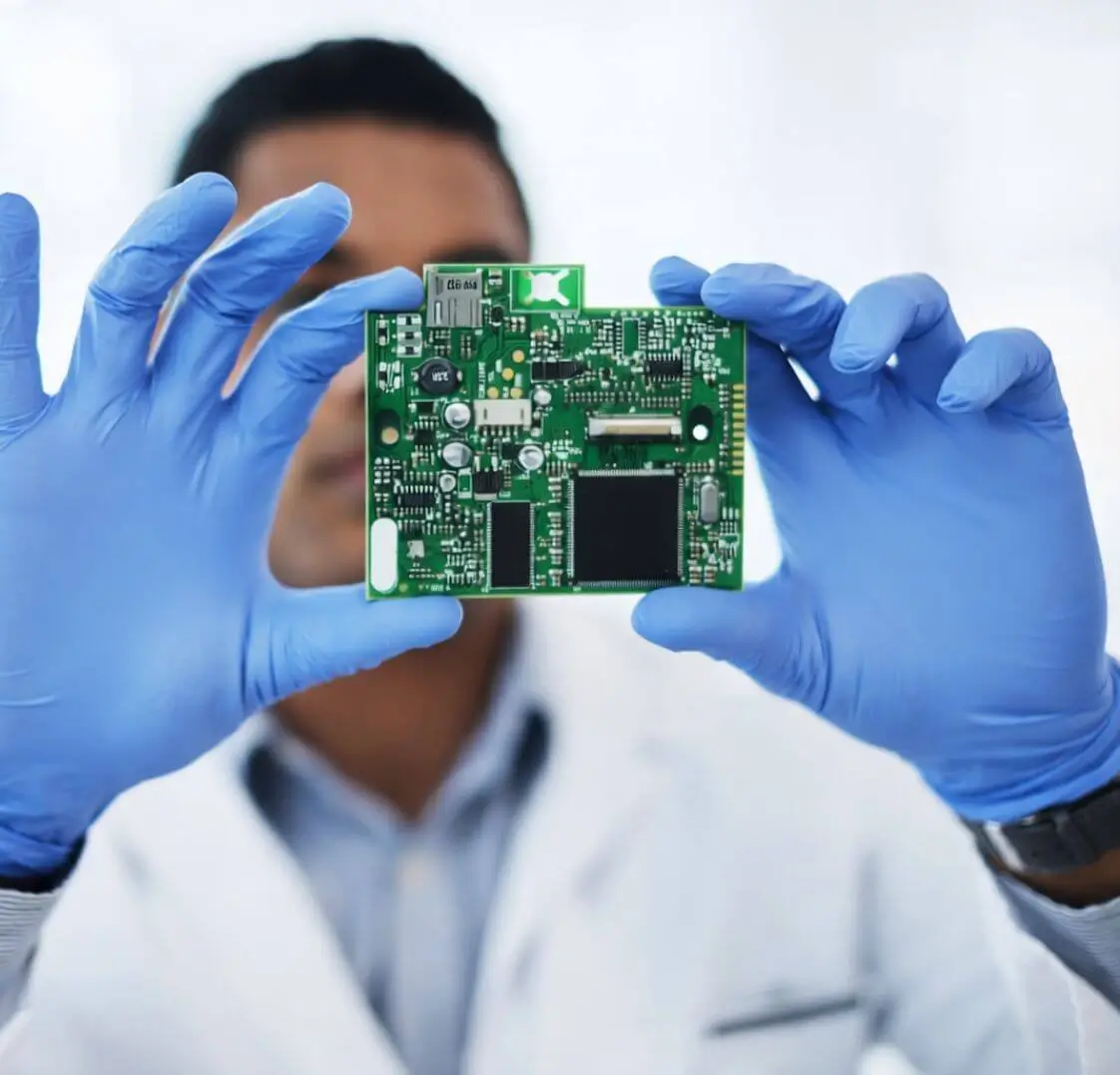
Where you’ll find expert guides, diagnostic utilities, and professional solutions designed to help you recover, repair, and manage storage devices efficiently.where you’ll find expert guides, diagnostic utilities, and professional solutions designed to help you recover, repair, and manage storage devices efficiently.
Whether you are dealing with:
- External hard drive errors
- SSD failure
- RAID server issues
- USB device corruption
- File system errors
Our tools and guides are built to provide accurate, safe, and effective solutions.
Why Storage & Recovery Tools Are Important
Data is one of the most valuable digital assets today. A small error in a storage device can result in:
- Business downtime
- Permanent data loss
- Financial damage
- Operational disruption
Using the right data recovery tools and diagnostic software helps detect problems early and improve recovery success rates.
Types of Tools You’ll Find in This Category
1️⃣ Hard Drive Diagnostic Tools
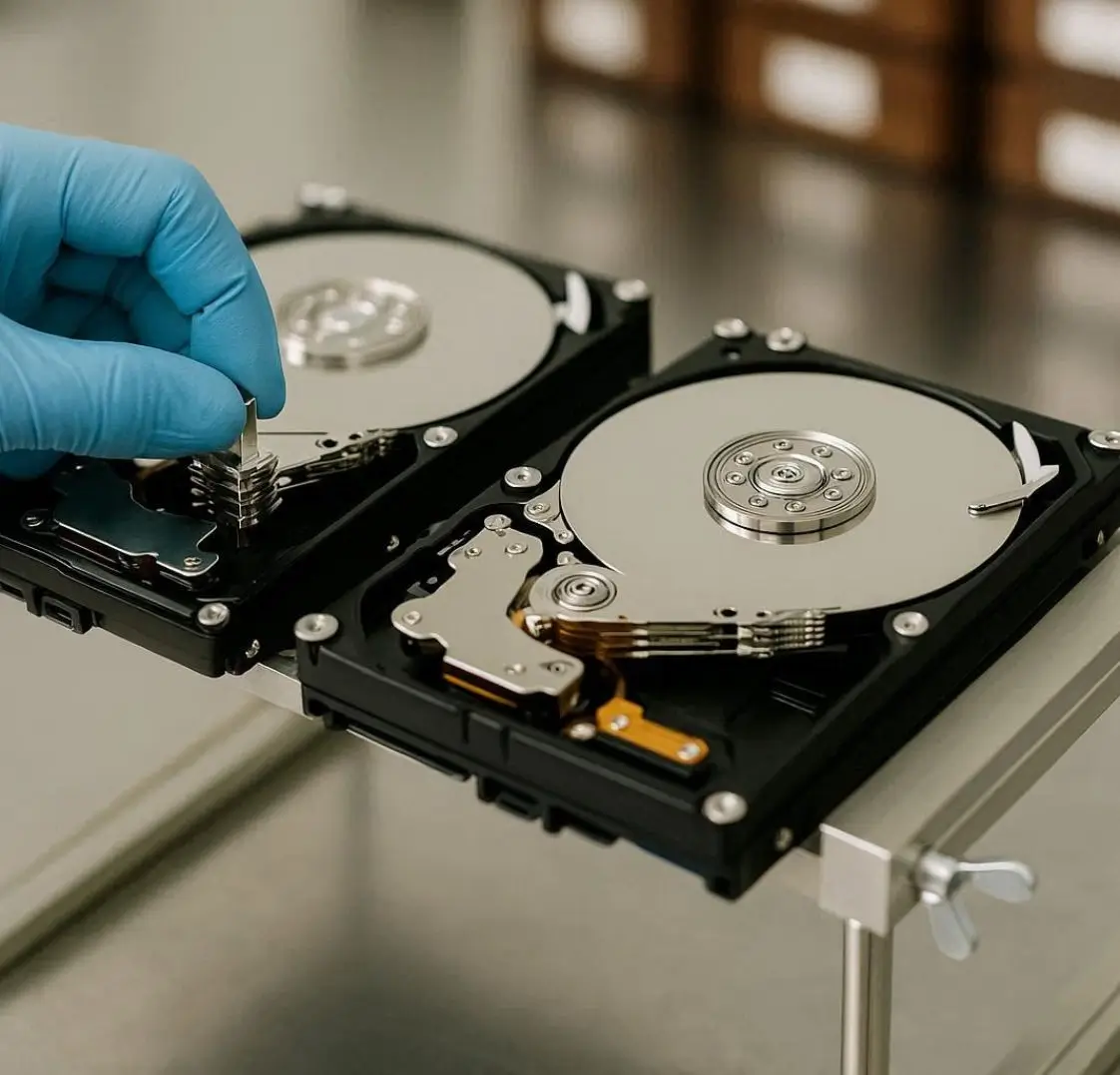
Hard disk drives (HDDs) can fail due to mechanical wear, bad sectors, or firmware corruption. Diagnostic tools help:
- Scan bad sectors
- Check SMART status
- Monitor disk health
- Identify read/write errors
Popular use cases:
- External HDD not detected
- Slow hard drive performance
- Clicking noise diagnosis
2️⃣ SSD Health & Recovery Tools
SSDs require specialized tools due to their flash memory structure. These tools assist with:
- TRIM optimization
- Firmware updates
- SSD cloning
- Logical data recovery
Early detection of SSD wear can prevent unexpected failure.
3️⃣ RAID Monitoring & Recovery Utilities
RAID systems are complex and require professional handling. RAID tools help with:
- RAID rebuild monitoring
- Disk failure detection
- RAID configuration analysis
- Logical RAID recovery
Important: RAID is not a backup solution. Monitoring tools reduce risk but don’t replace backup strategies.
4️⃣ USB & External Drive Repair Tools
External storage devices often show errors like:
- I/O device error
- Drive not accessible
- File system RAW
- Device not recognized
Repair tools help fix:
- Corrupted file systems
- Partition issues
- Driver conflicts
5️⃣ Data Backup & Cloning Tools
Preventing data loss is more important than recovering it. Backup and cloning tools help:
- Create disk images
- Clone failing drives
- Schedule automatic backups
- Protect against ransomware
Follow the 3-2-1 backup rule:
- 3 copies of data
- 2 different storage types
- 1 offsite copy
How to Choose the Right Tool
Before using any recovery or repair tool, identify:
✔ Type of damage (logical or physical)
✔ Storage device type (HDD, SSD, RAID, USB)
✔ Error message shown
✔ Data importance level
If the device makes unusual sounds or overheats, avoid DIY tools and consult professionals.
When to Avoid DIY Tools
Do NOT use software tools if:
- The hard drive is clicking
- RAID has multiple disk failure
- The drive is not spinning
- The data is business-critical
Improper use of recovery software may permanently overwrite recoverable data.




A nicely written and informative article. The explanations feel natural, and the overall tone is very reader-friendly. I appreciate that the content doesn’t try to overwhelm with too many details, but instead focuses on what’s truly relevant and useful.