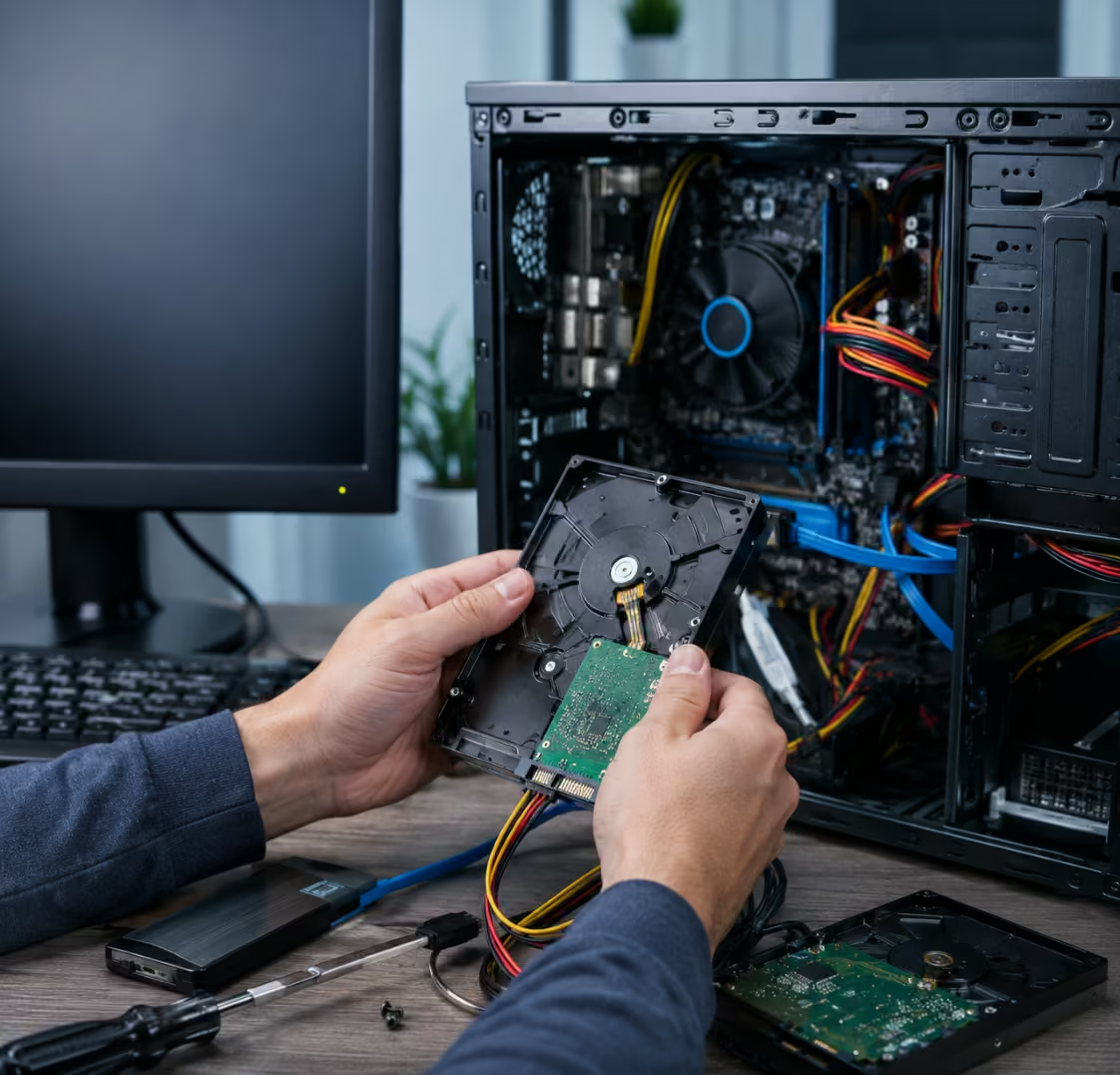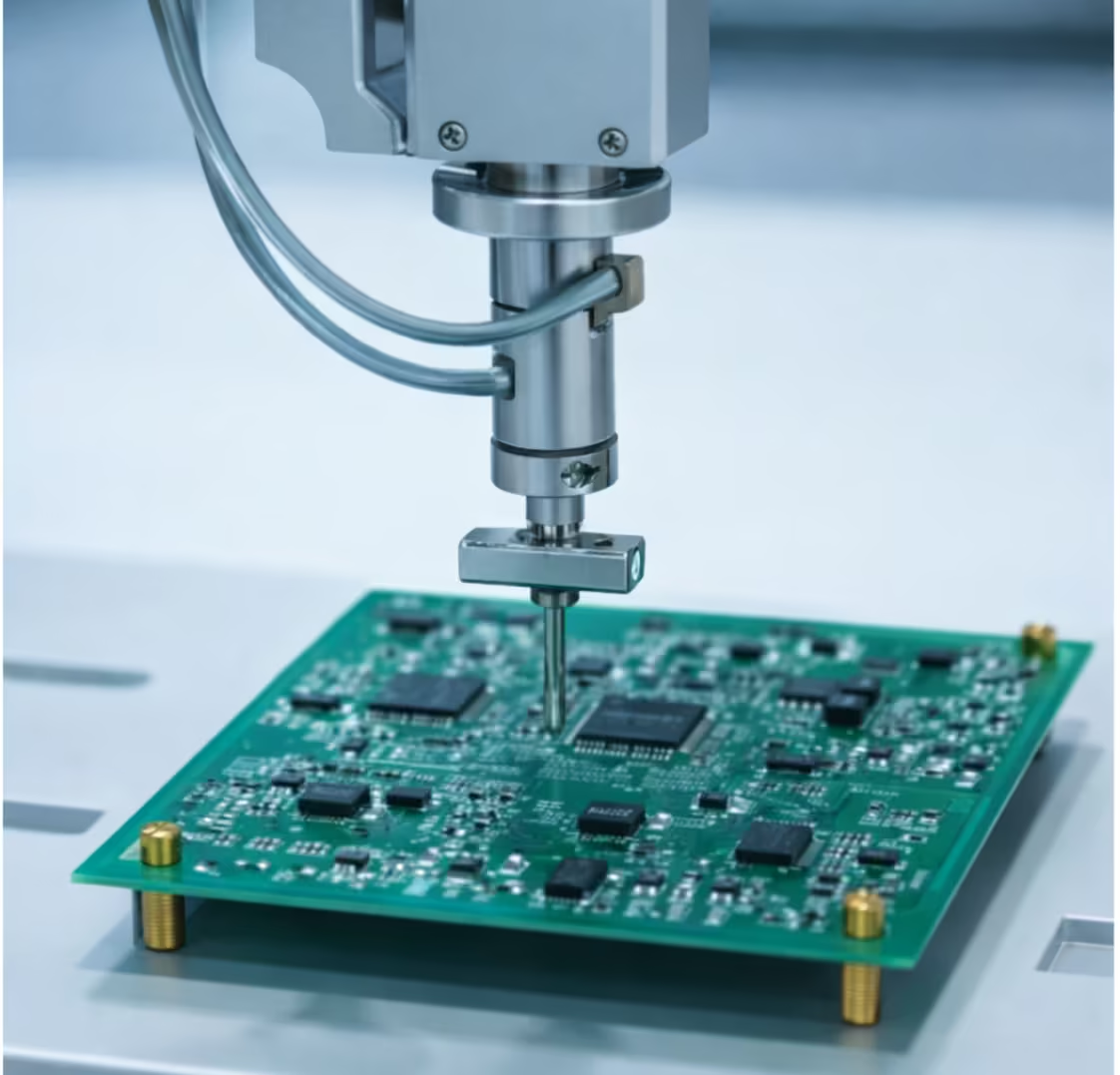

Accounting firm’s desktop hard drive failed, making financial records and client files inaccessible, requiring urgent recovery.
Accounting Firm
Kottayam, Kerala, India
Hard Drive Data Recovery – Files Restored from Failed Desktop HDD
A failed desktop hard drive can bring both personal and business activities to an unexpected halt. Important documents, family photos, videos, business records, accounting files, and project data can become inaccessible within moments of a hard drive failure. Fortunately, professional hard drive data recovery services can often retrieve valuable files even when a desktop HDD appears completely unusable. This case study highlights a successful recovery project where critical data was restored from a failed desktop hard disk drive.
Understanding Desktop HDD Failure
Traditional hard disk drives (HDDs) remain widely used for storing large amounts of data because of their affordability and storage capacity. However, like all storage devices, hard drives can fail over time. Mechanical wear, electronic faults, accidental damage, overheating, power fluctuations, firmware issues, and bad sectors are among the most common causes of hard drive failure.
In many cases, a failing drive may initially show warning signs before complete failure occurs. Users may notice slow file access, unusual noises, system freezes, corrupted files, or frequent error messages. Ignoring these symptoms can increase the risk of permanent data loss and make hard drive data recovery more challenging.
The Data Loss Situation
A customer contacted PCPrompt after their desktop computer suddenly stopped accessing an internal hard drive containing years of important data. The drive held business documents, personal photographs, video recordings, project files, spreadsheets, and archived records.
Initially, the drive became extremely slow and frequently caused the computer to freeze. Shortly afterward, the operating system could no longer access the stored files. The hard drive was detected intermittently but remained largely inaccessible.
Concerned about losing years of valuable information, the customer sought professional hard drive data recovery assistance before attempting risky repair methods.
Initial Assessment and Diagnosis
Every successful hard drive data recovery project begins with a detailed diagnostic evaluation. Our technicians carefully examined the failed HDD to determine the exact cause of the problem.
The assessment revealed extensive bad sectors and media degradation affecting critical areas of the drive. The file system had become unstable, making normal data access impossible. Fortunately, the drive had not experienced catastrophic platter damage, which significantly improved the chances of recovery.
After identifying the failure type, we created a customized recovery strategy designed to extract the maximum amount of recoverable data while minimizing additional stress on the failing drive.
Hard Drive Data Recovery Process
Recovering files from a failed desktop HDD requires specialized tools and professional procedures. The goal is to preserve the remaining data while safely retrieving information from damaged storage media.
Drive Stabilization
The first step involved stabilizing access to the failing hard drive. Specialized hardware tools helped manage communication errors and prevented the drive from worsening during analysis.
Sector-by-Sector Imaging
Rather than working directly on the original drive, a complete forensic image was created. This image captured every accessible sector from the hard drive and allowed recovery operations to proceed without risking further damage to the source device.
Data Reconstruction
Advanced recovery software and diagnostic tools were used to reconstruct damaged file system structures. Directory information, file records, and storage metadata were analyzed to identify recoverable files.
File Extraction
Once the file system was rebuilt, critical documents, photographs, videos, and business records were extracted from the recovered image.
Data Verification
Every recovered file was verified for integrity and usability before being prepared for delivery to the customer.
This structured approach ensured a safe and effective hard drive data recovery process.
Recovery Results
The recovery effort was highly successful. Our technicians restored the majority of the customer’s important files, including:
- Business documents
- Financial spreadsheets
- Photographs
- Video collections
- PDF files
- Project archives
- Personal records
- Work-related data
The recovered files were transferred to a new storage device and thoroughly verified before being returned to the customer.
This successful hard drive data recovery case prevented the loss of years of irreplaceable information and allowed the customer to continue working without significant long-term disruption.
Common Causes of Desktop Hard Drive Failure
Desktop HDD failures can occur for many reasons, including:
Mechanical Wear
Moving components inside the hard drive naturally wear out over time.
Bad Sectors
Damaged storage sectors can make portions of data inaccessible.
Power Surges
Electrical fluctuations can damage drive electronics and firmware.
Overheating
Excessive heat may reduce the lifespan of hard drive components.
Accidental Physical Damage
Impacts, drops, or vibrations can affect drive performance and reliability.
Firmware Issues
Corrupted firmware can prevent the drive from operating normally.
Understanding these risks helps users take proactive measures to protect important data.
Warning Signs You Should Never Ignore
Early intervention significantly improves hard drive data recovery success rates. Common warning signs include:
- Clicking or unusual noises
- Frequent system freezes
- Missing files
- Slow access times
- Drive detection problems
- File corruption errors
- Repeated operating system crashes
If any of these symptoms appear, backing up important data immediately is strongly recommended.
Preventing Future Data Loss
Although no hard drive lasts forever, users can reduce risks by following best practices:
- Maintain regular backups.
- Use surge protection.
- Monitor drive health.
- Ensure adequate cooling.
- Replace aging drives proactively.
- Store critical files in multiple locations.
A strong backup strategy remains the most effective protection against unexpected hardware failures.
Professional Hard Drive Data Recovery in Kerala
At PCPrompt, we provide professional hard drive data recovery services for desktop HDDs, laptop hard drives, external storage devices, NAS systems, and enterprise storage environments. Whether a drive has suffered bad sectors, file system corruption, mechanical failure, or electronic damage, our specialists use advanced recovery techniques to maximize the chances of successful data retrieval.
If your desktop hard drive becomes inaccessible, avoid formatting it, running repair utilities, or repeatedly restarting the system. Seeking expert assistance early can help prevent further damage and improve recovery outcomes. With professional hard drive data recovery, valuable personal and business data can often be restored even from severely failed desktop HDDs.
PCs | Shop All In One PCs, Laptops, Tablets, Accessories & Monitors | Lenovo India
Hard Drive Data Recovery - the client reported unusual clicking noises from the hard drive before the system stopped booting. After multiple restart attempts, the computer failed to detect the drive completely. All accounting software data, invoices, and client records were at risk.
- Physically failing hard disk with clicking sound
- Drive not detected in BIOS
- Critical financial data stored on the disk

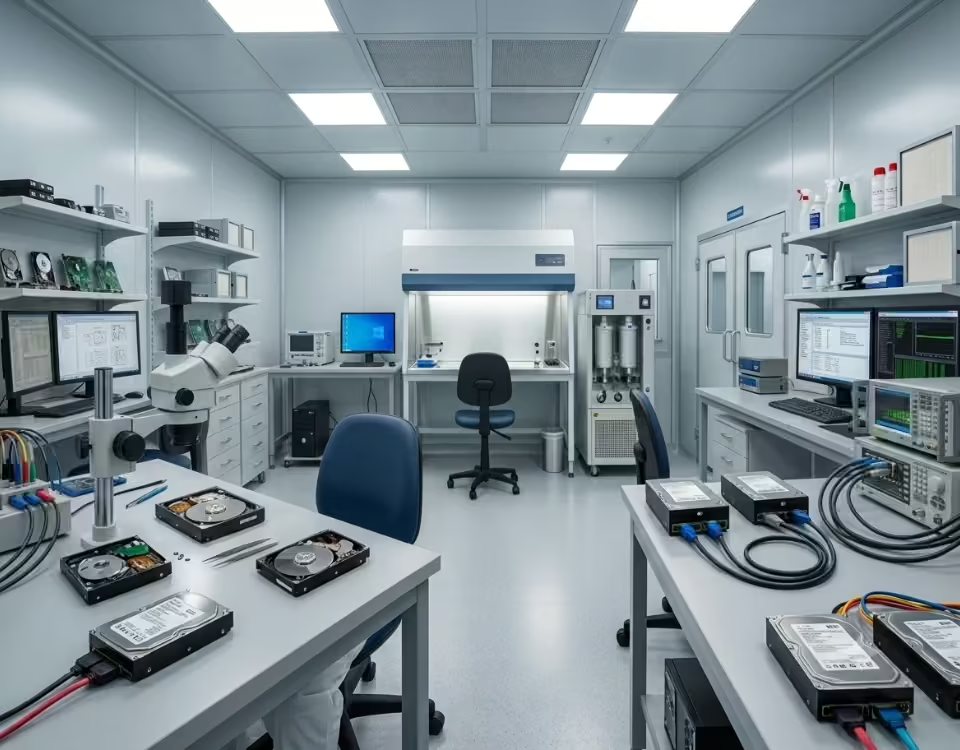

Our data recovery engineers conducted a full diagnostic of the failed hard drive. The issue was identified as a head failure inside the drive. The disk was carefully opened in a controlled clean environment, and the damaged components were replaced using compatible donor parts.
After stabilizing the drive, a sector-by-sector clone was created to secure the data. Logical repairs were performed on the file system, and all essential files were extracted.
The recovered data included accounting software databases, invoices, and client documents. All files were transferred to a new storage device and verified before delivery. The client successfully resumed operations without further data loss.