

The client reported that the external drive was mistakenly formatted during a system reinstall. After the format, the drive appeared empty, and all folders were missing. The client attempted to recover files using free software, but the recovered images were corrupted and unusable.
- Accidental full format of external hard drive
- Previous recovery attempts caused file corruption
- Mixed file types including RAW, JPEG, and PSD
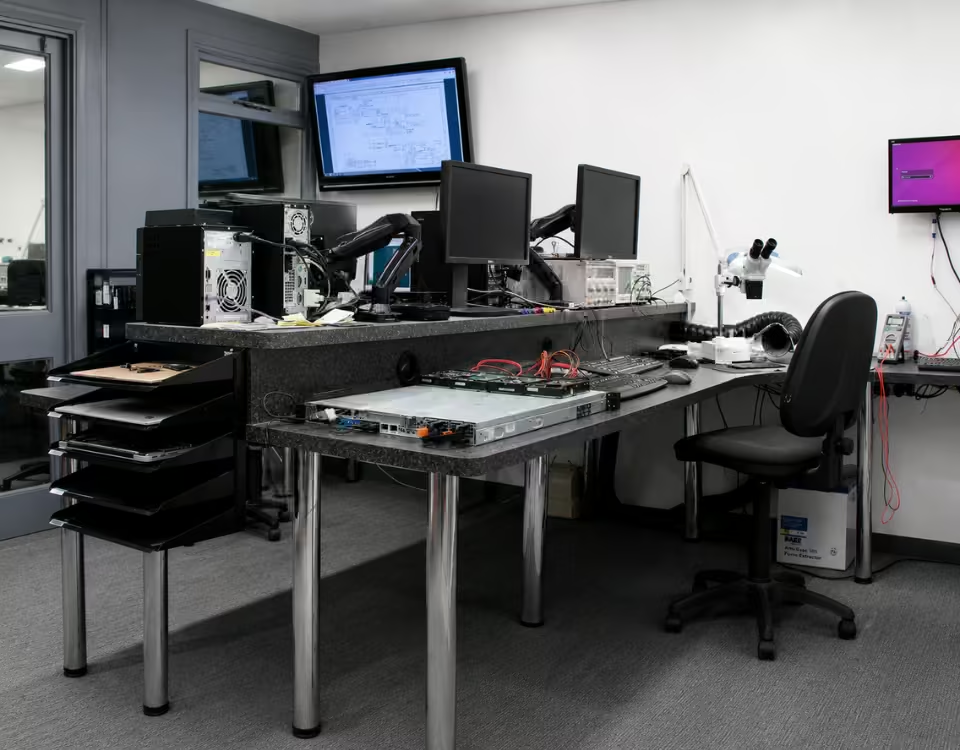

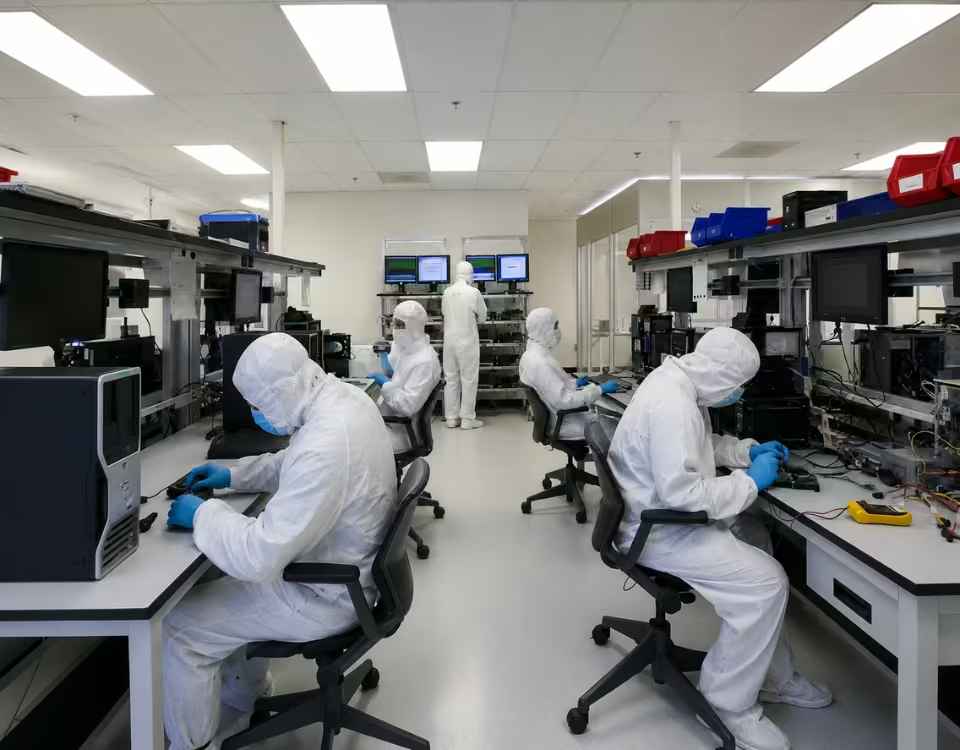
Our engineers first performed a complete sector-level scan of the external hard drive to locate lost file structures. Since the drive was formatted, we focused on rebuilding the original partition and file system. Using professional recovery tools, we reconstructed the directory structure and recovered the original image files. Special attention was given to RAW and PSD files to ensure they were fully intact and usable.
After recovery, all photos and project folders were verified and organized. The data was securely transferred to a new external storage device and delivered to the client.
FAQ’s
Yes, PCPrompt follows a “no data, no charge” policy for our data recovery services in Kochi. This means that if our technicians are unable to recover your data after a thorough diagnostic and recovery attempt, you will not be charged the recovery fee. We believe this policy reflects fairness and builds trust, since customers are already dealing with the stress of lost data and shouldn’t have to pay for an outcome that didn’t help them.
Our process begins with a free or low-cost diagnostic evaluation, where we assess the drive or device and determine the likelihood of successful recovery along with an estimated cost. We share this assessment transparently before beginning any paid recovery work, so you always know what to expect. Only once you approve the plan do we proceed with the actual recovery process.
This policy applies across our range of services, including hard drive recovery, SSD recovery, RAID recovery, and mobile device recovery. It’s worth noting that diagnostic fees, where applicable, are typically separate from the recovery charge itself, as the diagnostic involves technician time and equipment regardless of outcome — this will always be clearly communicated upfront.
If you’re considering data recovery services, feel free to reach out to PCPrompt for a no-obligation diagnostic and quote.
PCPrompt provides data recovery services for Mac computers, including MacBooks, iMacs, and Mac Minis, in addition to our services for Windows-based PCs. Mac data recovery requires familiarity with Apple’s file systems — including HFS+ and the newer APFS (Apple File System) — which differ significantly from Windows file systems and require specialized tools and expertise to navigate correctly.
We handle a wide range of Mac-related data loss scenarios, including accidental deletion, disk formatting, macOS update failures, corrupted Time Machine backups, logical drive corruption, and physical failures affecting both traditional hard drives and Apple’s proprietary SSDs found in newer MacBook models. Recovering from newer Macs with soldered, encrypted storage (such as those with the T2 security chip or Apple Silicon) presents additional challenges, and our technicians assess each case individually to determine the best possible approach.
We also assist with recovering data from other Apple devices, including iPads, when accessible through standard connection and backup methods, though direct storage-level recovery is more limited on iOS devices due to Apple’s security architecture.
If your Mac has failed to boot, is showing a spinning wheel or prohibitory symbol, or you’ve lost files due to an accidental deletion or format, bring it to PCPrompt in Kochi for a professional diagnostic and recovery assessment.
The time required for data recovery varies significantly depending on the type of storage device, the cause of data loss, and the extent of damage involved. At PCPrompt, most straightforward cases — such as accidental deletion, simple formatting, or minor logical corruption on a healthy drive — are typically resolved within 24 to 48 hours once the diagnostic is complete and the recovery plan is approved.
More complex cases take longer. Physically damaged hard drives, drives with bad sectors, or devices affected by water or fire damage often require careful handling, sometimes including cleanroom procedures, and can take anywhere from 3 to 7 days depending on severity. RAID array recovery, server recovery, and cases involving multiple failed drives can extend further, sometimes up to 1–2 weeks, due to the added complexity of reconstructing the array structure.
Every recovery job begins with a diagnostic evaluation, usually completed within a few hours to a day, which gives us a clear picture of the damage and lets us provide a realistic time estimate before starting paid recovery work.
If your situation is urgent — for example, a business-critical server or an important deadline — let our team know upfront. We offer priority handling for time-sensitive cases whenever possible to minimize downtime for our customers in Kochi and across Kerala.
Data recovery success rates vary depending on the type and severity of the issue, but PCPrompt maintains a strong track record across the cases we handle in Kochi and greater Kerala. Logical data loss cases — such as accidental deletion, formatting, or partition errors where the drive itself is mechanically healthy — typically have the highest success rates, often exceeding 90%, provided the device is brought in before the data is overwritten.
Physical damage cases, including drive crashes, water damage, or fire damage, have more variable outcomes depending on the extent of the damage to the internal components or storage media. Even in these more complex cases, our experience with specialized recovery tools and techniques allows us to successfully recover data in the majority of situations we take on.
We always begin with a diagnostic evaluation before quoting a recovery plan, so customers know realistically what to expect before committing to the service. We believe in transparency — if we assess that data is unrecoverable or recovery isn’t cost-effective, we tell you upfront rather than charging for an unlikely outcome.
What consistently improves success rates is how quickly a device is brought in after the problem occurs. The less a failing or compromised drive is used, the better the odds of a complete and accurate recovery. For an honest assessment of your specific case, reach out to PCPrompt for a free diagnostic.
Regularly recovers data from laptops that won’t boot, whether the issue is a hardware failure, corrupted operating system, or a physically damaged internal drive. A laptop that fails to start doesn’t necessarily mean the data stored on it is lost — in most cases, the storage drive itself is still intact even if the system around it has failed.
Our technicians first diagnose whether the problem lies with the laptop’s motherboard, power supply, or operating system, or whether the internal hard drive or SSD itself has failed. If the drive is healthy, we can often extract the data by connecting it to a separate recovery system. If the drive has sustained physical or logical damage, we use specialized tools and, when necessary, cleanroom procedures to retrieve the data safely.
This service covers all major laptop brands and both traditional hard disk drives and solid-state drives. We’ve helped students recover lost thesis work, professionals retrieve critical business files, and families recover irreplaceable photos from laptops that seemed completely dead.
If your laptop won’t turn on, avoid attempting repeated restarts or DIY fixes, as this can worsen the damage. Bring it to our Kochi facility for a professional diagnostic, and our team will assess the best path to recovering your data.
In most cases, data can be recovered from a formatted hard drive. When you format a drive, the operating system typically removes the file system’s index or “table of contents,” but the actual data usually remains physically intact on the disk until it is overwritten by new files. This is why acting quickly after an accidental format is so important — the longer the drive stays in use, the higher the chance that new data overwrites the old, making recovery harder or impossible.
At PCPrompt, our data recovery specialists in Kochi use advanced scanning tools to identify recoverable file signatures and reconstruct the original folder structure, even after a full or quick format. We’ve successfully recovered documents, photos, videos, and business files from formatted hard drives, external drives, pen drives, and memory cards for customers across Kerala.
If you’ve accidentally formatted a drive, the best first step is to stop using it immediately and avoid saving any new files to it. Power it down and bring it to our lab, or contact us for a free diagnostic consultation. Our success rate for formatted drive recovery is high when the device is brought in promptly, so don’t wait if you suspect important data is at risk.