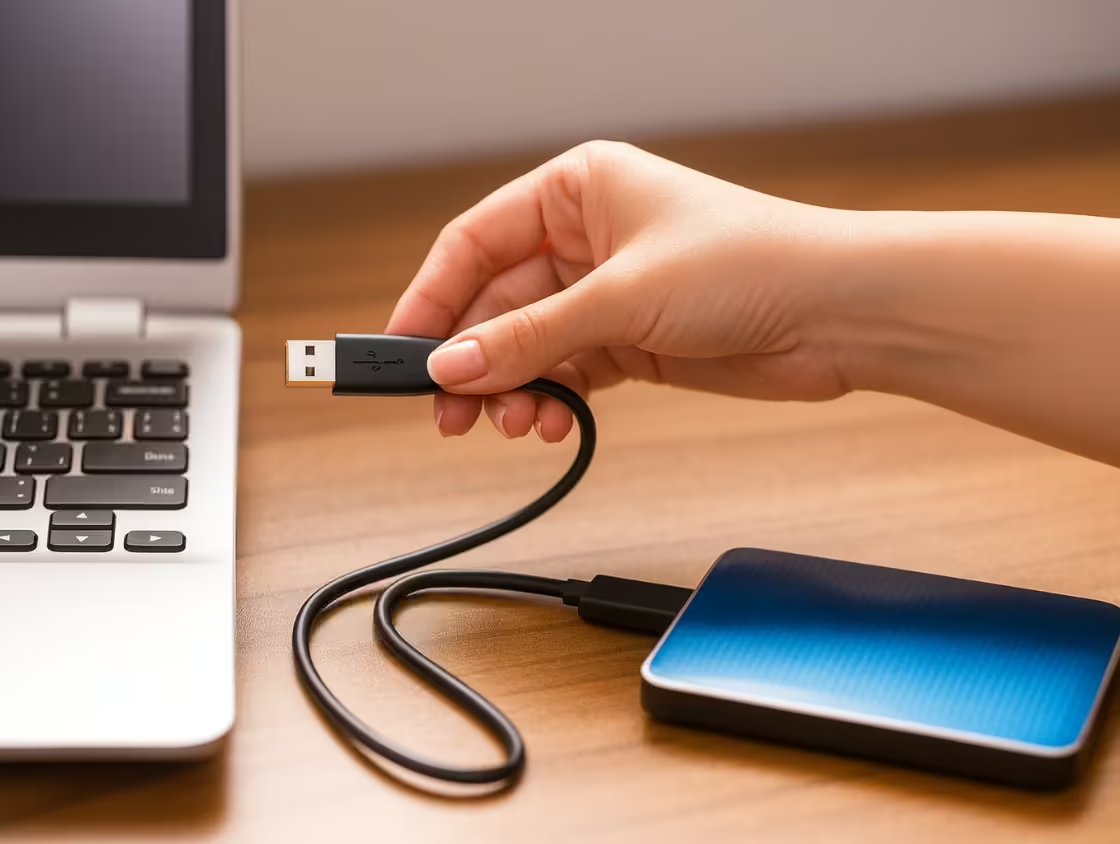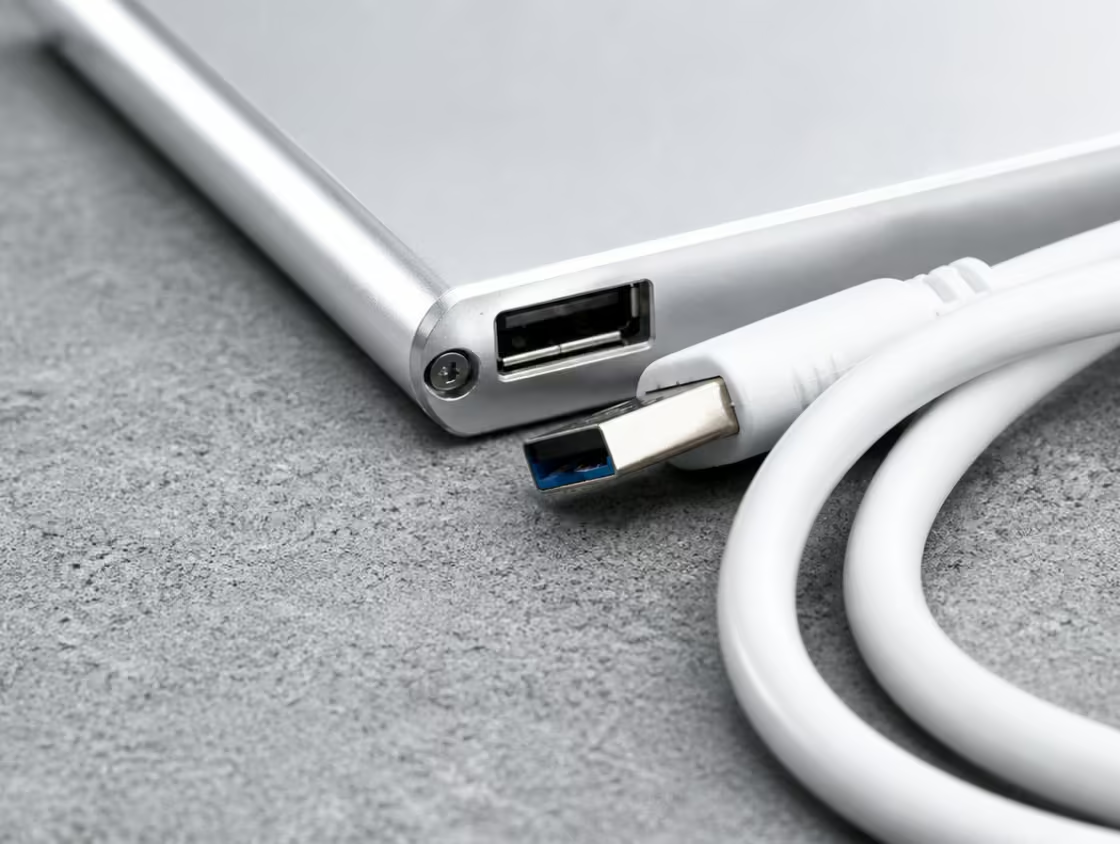
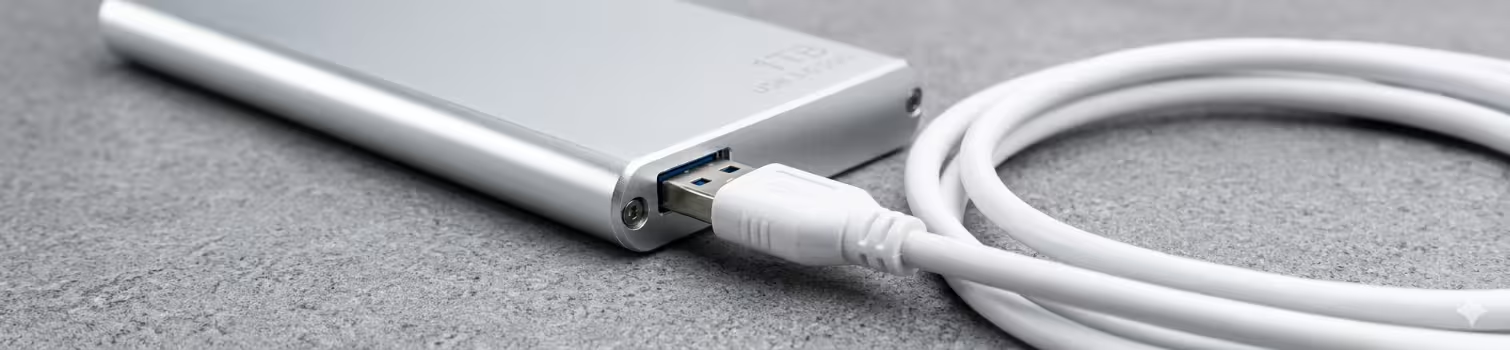
Professional USB Drive Recovery Services
PCPrompt offers expert USB Drive Recovery Kochi to retrieve lost, deleted, or inaccessible data from damaged or corrupted USB flash drives. We handle issues such as physical damage, file system corruption, virus attacks, accidental formatting, and unrecognized USB devices using advanced recovery tools and techniques.
Our specialists carefully diagnose flash memory failures and restore important documents, photos, videos, and business files. Our secure USB drive recovery process ensures maximum data safety, fast turnaround time, and complete confidentiality for individuals and businesses.
USB Data Recovery for Business & Personal
USB data recovery for business and individual user needs, restoring files from controller faults, corrupted NAND, or broken connectors.
Controller Failure
USB controller failure stops detection and causes repeats, needing expert recovery from NAND memory’s
Flash Corruption
Corrupted NAND in USB drives causes wrong size, freezing, or format errors, needing expert data recovery.
Damaged PCB
Bent connectors or cracked USB PCBs cause power loss and require NAND chip work to recover data again

FAQ’s
What you do in the first few minutes after data loss can decide whether recovery is possible.
Immediate steps:
- Stop using the device. Every new file written can overwrite the lost data.
- Power it off if you hear clicking, grinding, or beeping. Do not keep restarting it.
- Do not run DIY repair tools like CHKDSK on a failing drive, and do not install recovery software onto the affected drive.
- Avoid opening the drive or trying home fixes such as freezing.
- Contact a professional data recovery service and describe what happened.
Prevention tips:
- Follow the 3-2-1 backup rule: keep three copies of your data, on two different types of media, with one stored off-site or in the cloud.
- Back up regularly using an external drive, NAS, or cloud storage.
- Use a UPS or surge protector to guard against power fluctuations, which are common causes of PCB damage.
- Handle drives carefully. Avoid moving a laptop while the hard drive is active, and keep external drives safe from drops.
- Monitor drive health. Warning signs include slow performance, frequent freezing, unusual noises, and corrupted files. Replace ageing drives before they fail.
- Use antivirus protection to reduce the risk of malware and ransomware.
- Safely eject USB drives and memory cards.
Remember that RAID is not a backup, and even good storage devices eventually fail.
If you have already lost data, PCPrompt provides professional data recovery in Kochi, Ernakulam, and across Kerala for hard drives, SSDs, laptops, pen drives, and memory cards. Acting quickly and avoiding DIY attempts gives you the best chance of getting your files back safely.
Often, yes, but success depends on the device type and what happened after the data was lost.
Hard drives and laptops: Deleted or formatted data can frequently be recovered if it has not been overwritten. Quick format only clears the file index, so recovery chances are usually good.
Pen drives and USB flash drives: Accidental deletion, formatting, and “please format the disk” errors are commonly recoverable. Physically broken connectors or damaged chips need advanced chip-level recovery.
Memory cards (SD, microSD): Photos and videos deleted from cameras, drones, and phones can often be restored, especially if the card was not used again after the loss.
SSDs: SSD data recovery is more challenging. Features like TRIM and wear levelling can permanently erase deleted data soon after deletion. Recovery from a failed SSD controller or firmware fault may still be possible with specialised methods, but chances vary.
Mobile phones: Deleted photos, contacts, and messages may be recoverable depending on the phone model, storage type, and encryption.
To improve your chances, stop using the device right after you notice the loss. New data written to the drive can overwrite the deleted files. Do not save recovered files back to the same device. If the storage is physically damaged, do not keep trying software tools.
PCPrompt offers deleted file recovery, formatted drive recovery, pen drive recovery, and memory card recovery for customers in Kochi and across Kerala. Whether you lost wedding photos, business documents, or academic files, a professional scan can show what is recoverable before you commit, giving you clarity on your options.
Data recovery time varies with the type and severity of the problem. Simple logical cases can be resolved quickly, while complex physical repairs need more time.
Typical timelines:
- Deleted files or formatted drives (logical recovery): Often a few hours to 1–2 days, depending on drive size and scan time.
- Corrupted partitions or RAW drives: Usually 1–3 days.
- Physical damage (head failure, PCB, motor issues): Generally several days, since diagnosis, parts sourcing, repair, and imaging take time.
- RAID and server recovery: Can take longer because multiple drives must be analysed and the array reconstructed.
- Severely damaged or bad-sector-heavy drives: May take longer because imaging must be done slowly to avoid further harm.
Several factors affect turnaround. Larger capacity drives (1TB, 2TB, 4TB and above) take more time to clone. Drives with many bad sectors have to be read carefully and repeatedly. Availability of compatible donor parts also matters for physical repairs. Rushing the process can risk permanent data loss, so accuracy matters more than speed.
If you need your data urgently, for example for business operations, exams, or legal deadlines, ask about emergency or priority data recovery. Many providers can prioritise critical cases.
At PCPrompt, we assess your device first and give a realistic timeline based on the actual fault, not a blanket promise. Customers in Kochi, Ernakulam, and other Kerala districts can get a clear estimate after diagnosis.
To help speed things up, stop using the affected device immediately, avoid installing recovery software on the same drive, and let the technician know exactly what happened. The more information you share about the failure, such as a fall, power surge, water exposure, or accidental format, the faster the correct recovery plan can be chosen.
Data recovery is the process of retrieving lost, deleted, corrupted, or inaccessible files from storage devices such as hard disk drives (HDD), SSDs, pen drives, memory cards, laptops, RAID servers, and mobile phones. When you delete a file or format a drive, the data is often not erased immediately. The system only marks that space as available, so the original data can remain until it is overwritten. Professional data recovery services use this principle, along with specialised hardware and software, to bring files back.
There are two main types. Logical data recovery deals with software-level problems: accidental deletion, formatting, virus attacks, partition loss, corrupted file systems, or a drive showing as RAW. Physical data recovery deals with hardware faults: a clicking hard drive, failed read/write heads, damaged PCB, motor failure, bad sectors, or water and fire damage. Physical cases need careful handling with specialised tools and expertise.
The process usually starts with a diagnosis to find out why the data is inaccessible. Technicians then create a sector-by-sector clone of the drive, so recovery is done on the copy instead of the failing original. Files are extracted, folder structures are rebuilt where possible, and the recovered data is checked to make sure files open properly. Finally, the data is delivered on a healthy drive.
At PCPrompt, we provide data recovery in Kochi, Ernakulam, and across Kerala for laptops, desktops, external hard drives, SSDs, and more. Whether you need hard drive recovery, deleted file recovery, or formatted drive recovery, the right approach depends on the type of failure. Running DIY software on a physically damaged drive can make things worse. If your data is important, such as business records, family photos, or project files, stop using the device and get a professional diagnosis first.
In many cases, yes. A hard drive that is clicking, beeping, not spinning, or not showing up in your computer is usually suffering from a physical fault, but that does not always mean your data is gone. The data is stored on the platters inside the drive, and if the platters are intact, there is often a good chance of hard drive data recovery.
Common causes of a dead or undetected drive include failed read/write heads, a burnt PCB (circuit board) from a power surge, a seized spindle motor, firmware corruption, and bad sectors. Each has a different repair path. A faulty PCB may be fixed by transferring the ROM chip to a matching board. Firmware issues can be repaired with specialised tools. Head failures need the heads replaced with compatible donor parts in a controlled environment.
The most important rule: switch the drive off immediately. Repeatedly plugging in a clicking drive can scratch the platters and turn a recoverable case into a permanent loss. Never open the drive yourself, and do not put it in a freezer, as this popular myth can cause condensation damage.
Recovery success depends on the extent of damage, how the drive was handled after failure, and whether the platters are physically scratched. A professional evaluation is the only reliable way to know your chances.
PCPrompt handles external hard drive recovery, laptop hard drive recovery, and desktop drive recovery for customers in Kochi and throughout Kerala. If your drive is clicking, not detected, or showing “device not recognised”, bring it in for diagnosis rather than experimenting. The sooner it is examined, the higher the likelihood of getting your files back safely.
The cost of data recovery depends mainly on the type of failure, the device, and the complexity of the work. There is no single fixed price, because a simple deleted-file case and a physically damaged drive require very different effort.
The main factors are:
- Type of damage: Logical problems such as accidental deletion, formatting, or partition loss are generally less expensive than physical problems such as head failure or motor damage.
- Type of device: Standard HDDs, SSDs, pen drives, memory cards, RAID arrays, and servers all involve different tools and skills. SSD and encrypted device recovery is often more complex.
- Storage capacity: Larger drives take longer to image and process.
- Parts required: Physical repairs may need compatible donor components.
- Urgency: Emergency or priority recovery may cost more than standard turnaround.
Be cautious of unrealistically cheap offers. Poor handling can permanently destroy recoverable data, and no-quality-check services may return incomplete or corrupted files. On the other hand, a trustworthy provider will explain the diagnosis clearly and give a quote before starting major work.
Many professional services, including PCPrompt, evaluate the device first and then share a transparent quote based on the actual fault. Ask whether there is a diagnosis fee, what happens if data cannot be recovered, and whether you can preview the recoverable file list before paying.
If you are searching for affordable data recovery in Kochi or hard drive recovery cost in Kerala, the best approach is to get a proper evaluation instead of relying on a generic price list. Compare what is included, the process used, and the provider’s experience. Remember that the value of your lost data, whether business accounts, legal documents, or irreplaceable photos, is often far greater than the recovery cost itself.